Your first steps with Word Islamic Encyclopedia
Try a focused task: insert a verse, add an available translation, and install a book for reading and search according to your edition.
Read morePractical articles on Word Islamic Encyclopedia: from inserting Quran verses and translations to reading sources and documenting research.
Try a focused task: insert a verse, add an available translation, and install a book for reading and search according to your edition.
Read more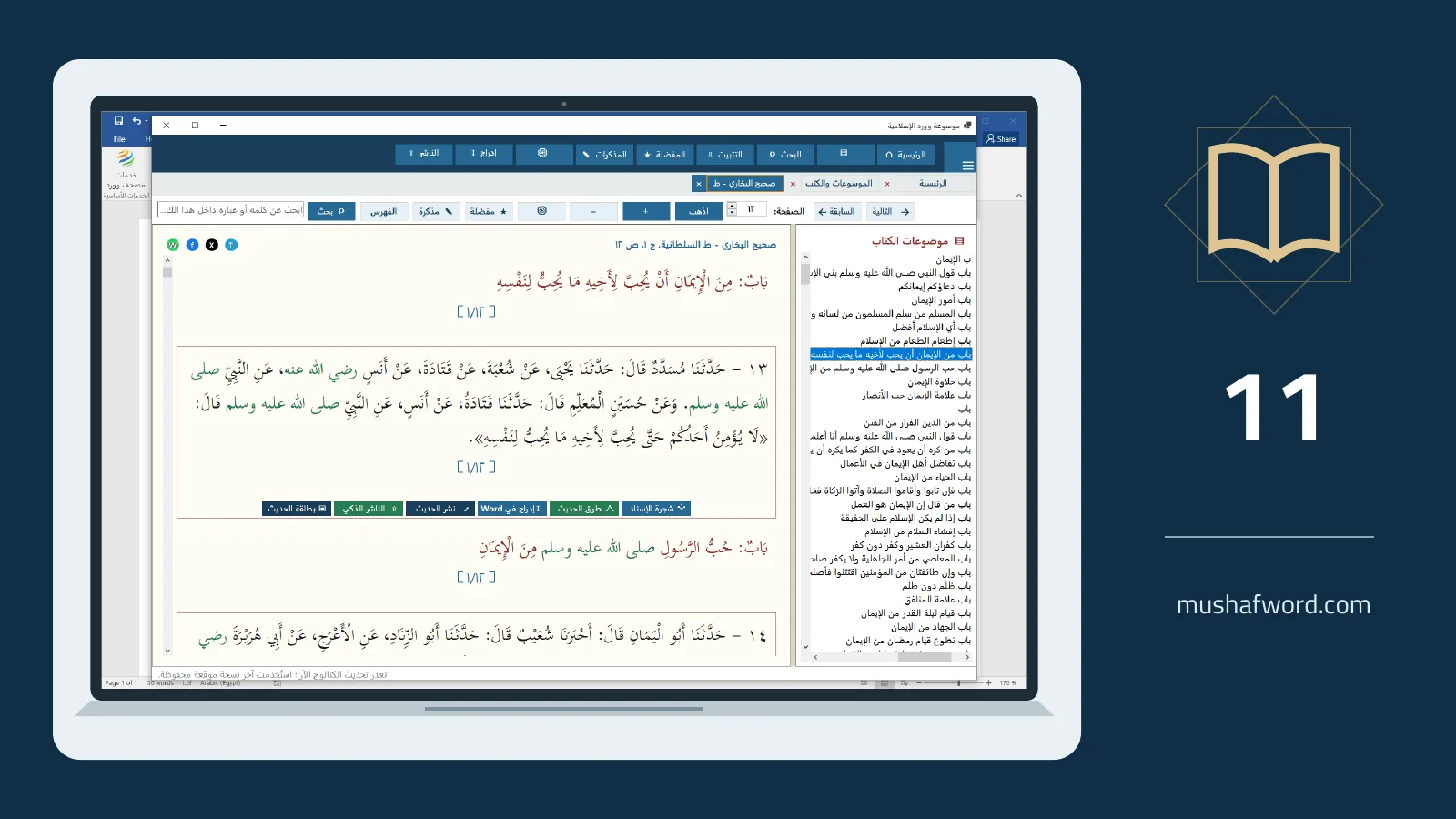
A focused workflow from defining the topic to collecting passages and preparing an attributed teaching resource.
Read more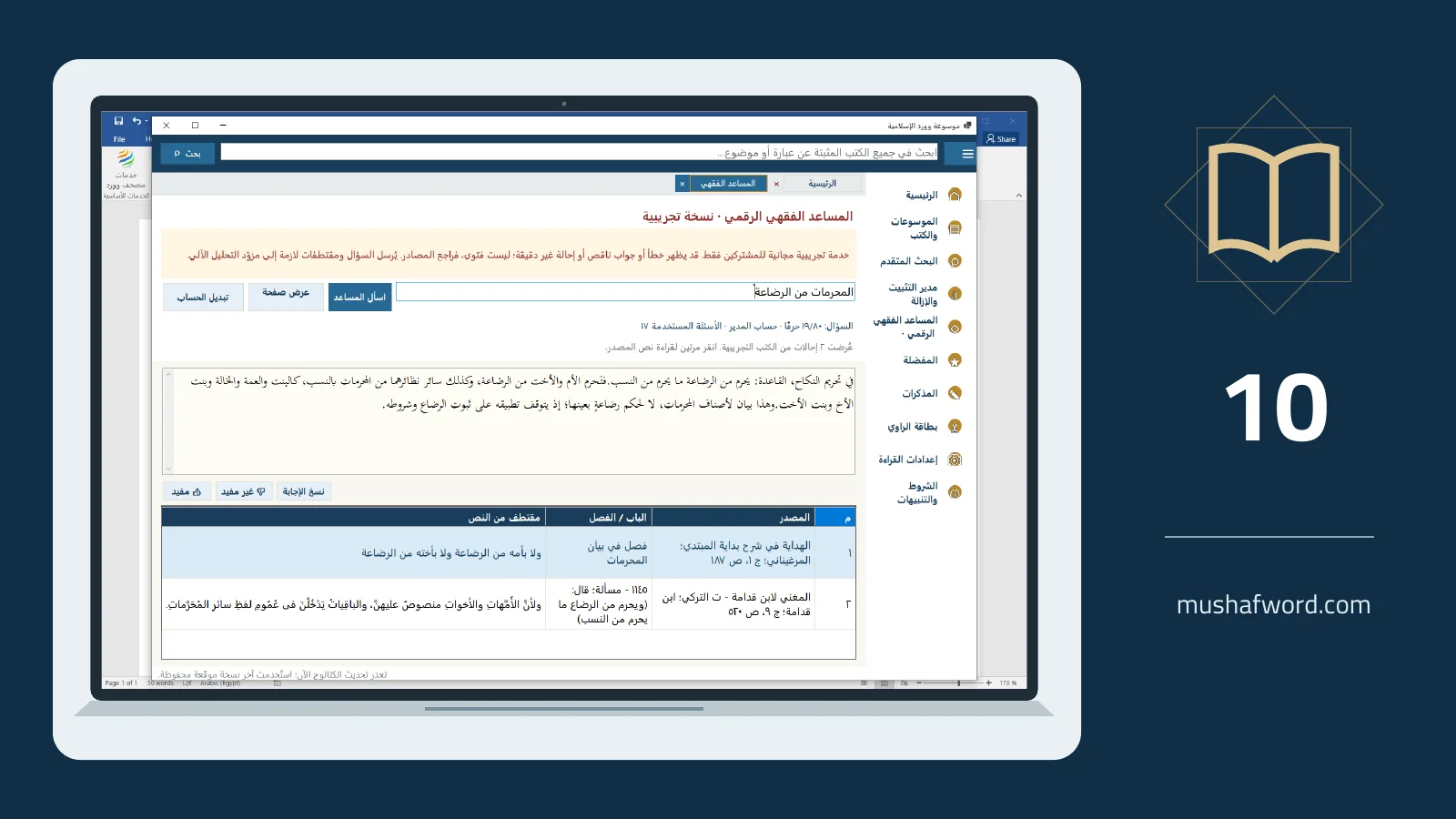
Understand experimental access and review a concise answer with its citations rather than treating it as a fatwa.
Read more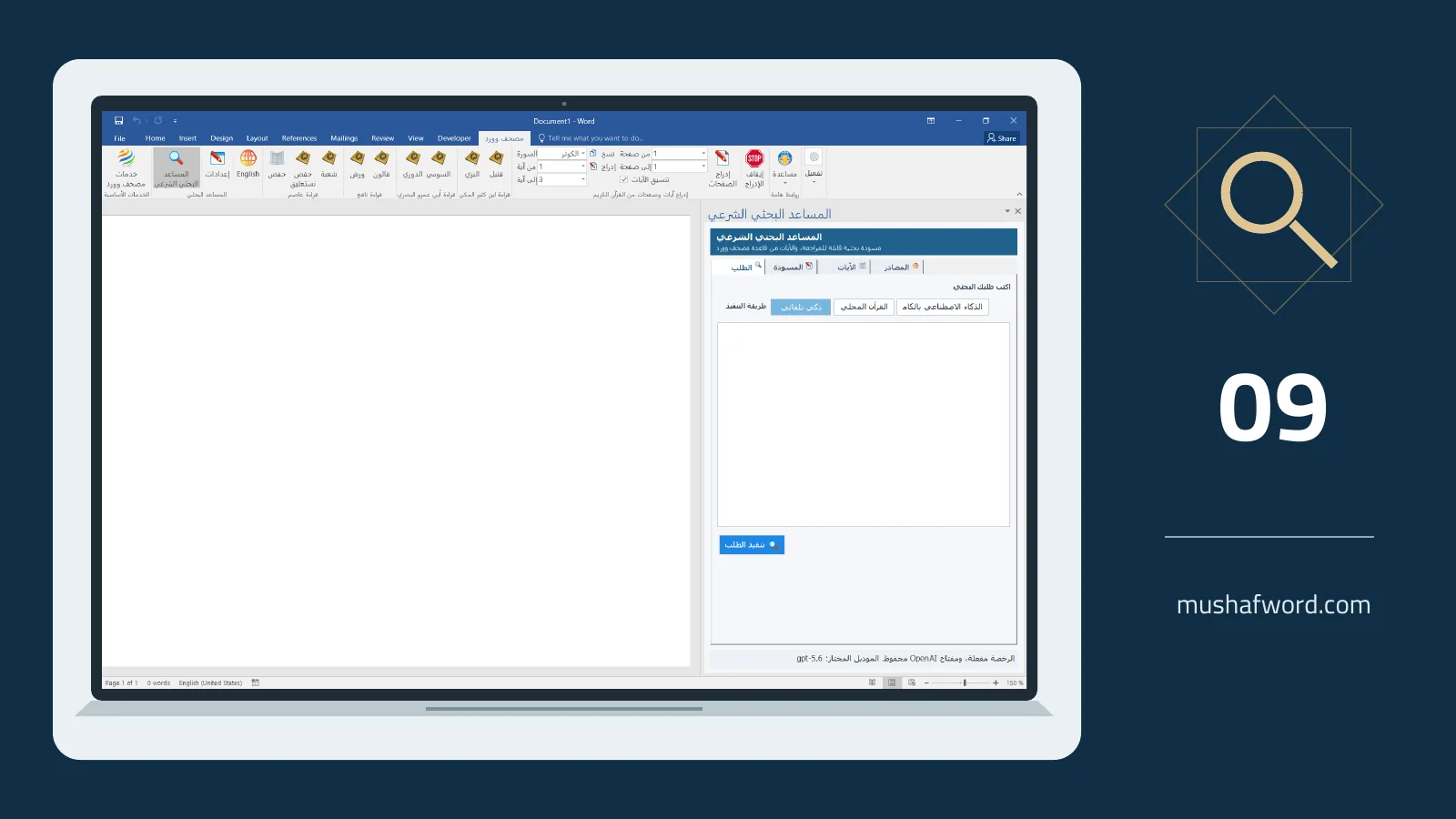
Use the assistant to begin a research task and distinguish its draft from Quran text retrieved from the approved database.
Read more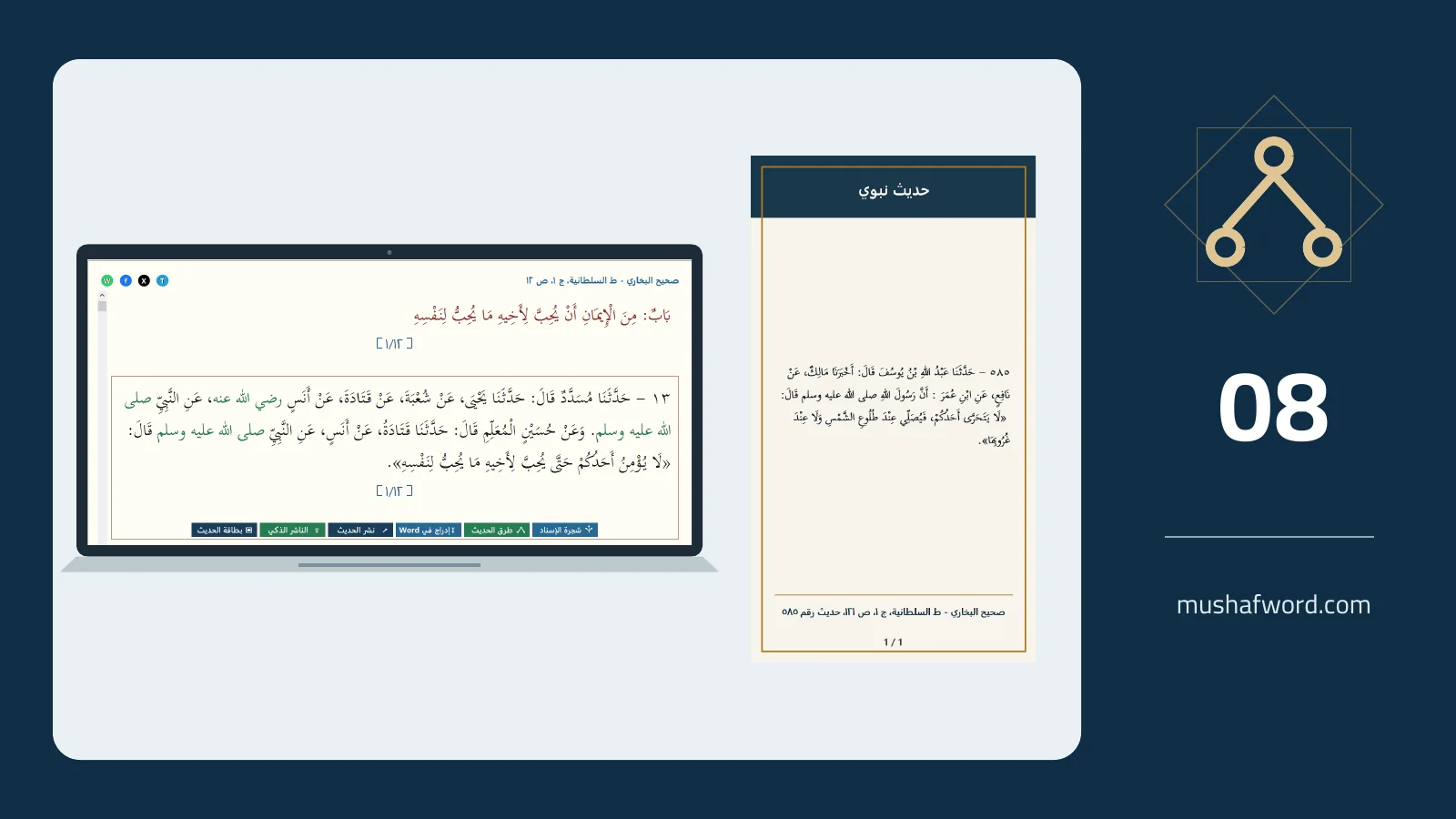
Prepare an attributed card, check image order, and share it manually or send it to Smart Publisher for review.
Read more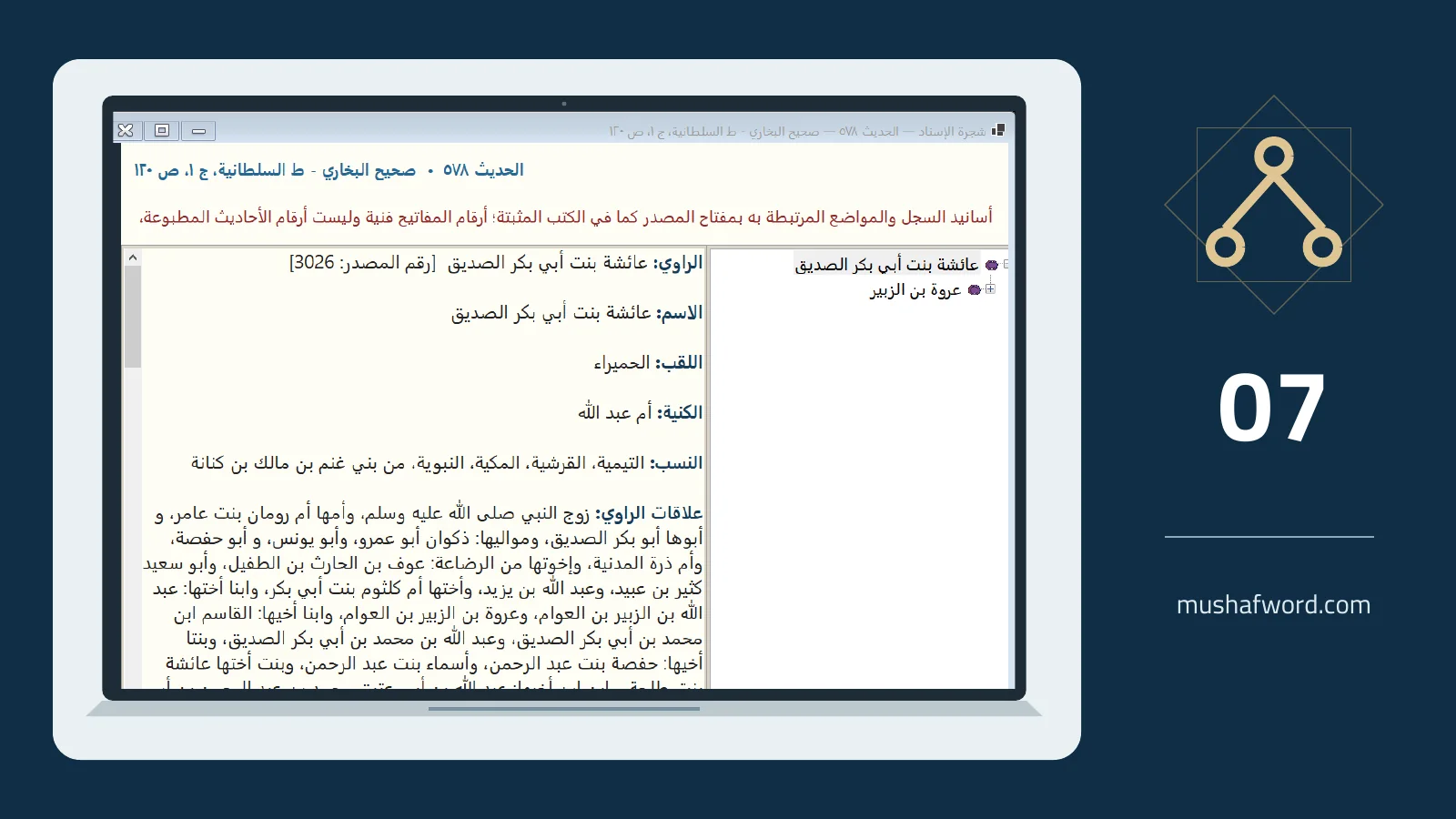
Use narrator information and related hadith locations while keeping the limits of source links in view.
Read more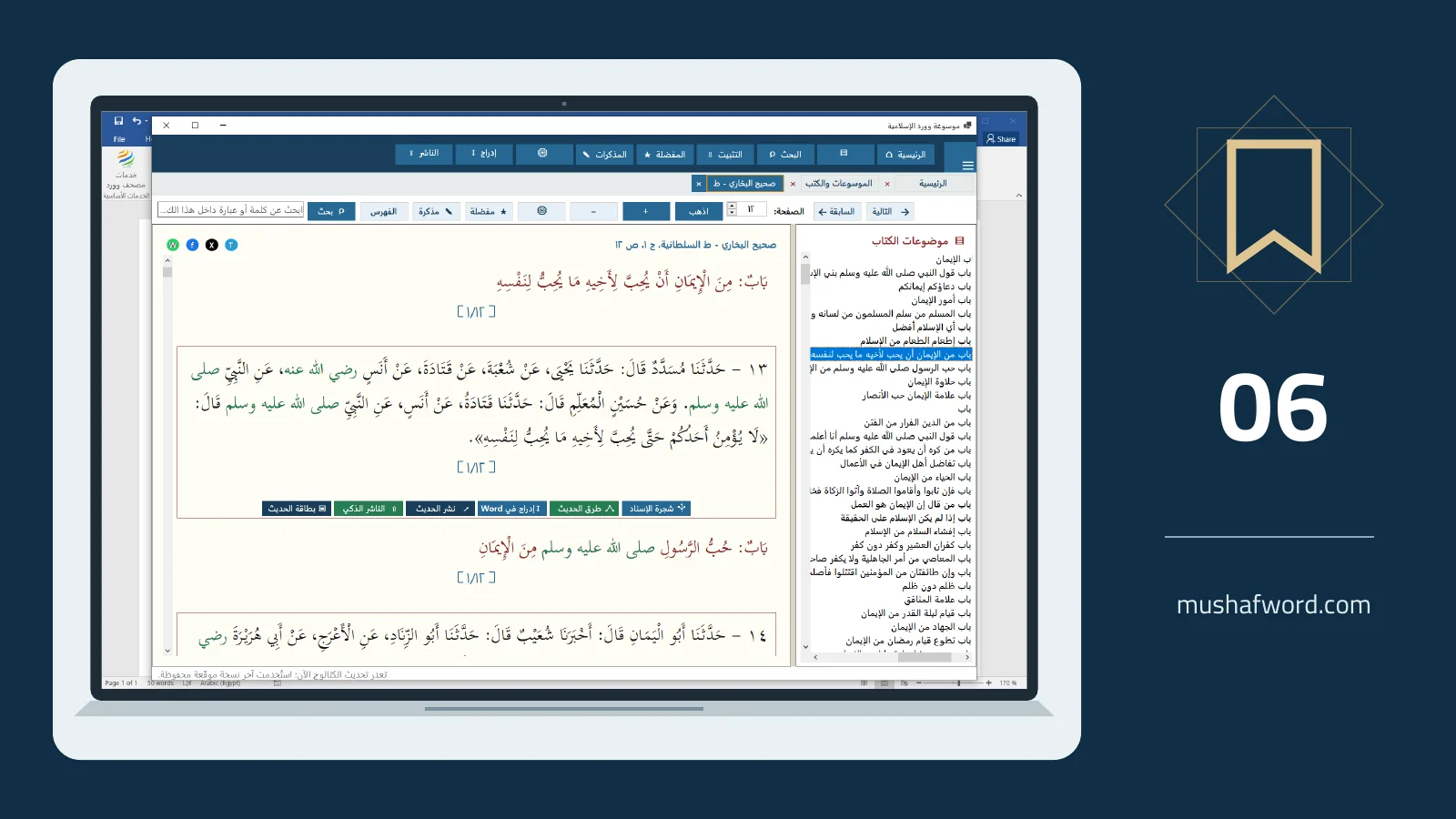
Save a useful page, attach a note, and return to its place in the book without repeating your search.
Read more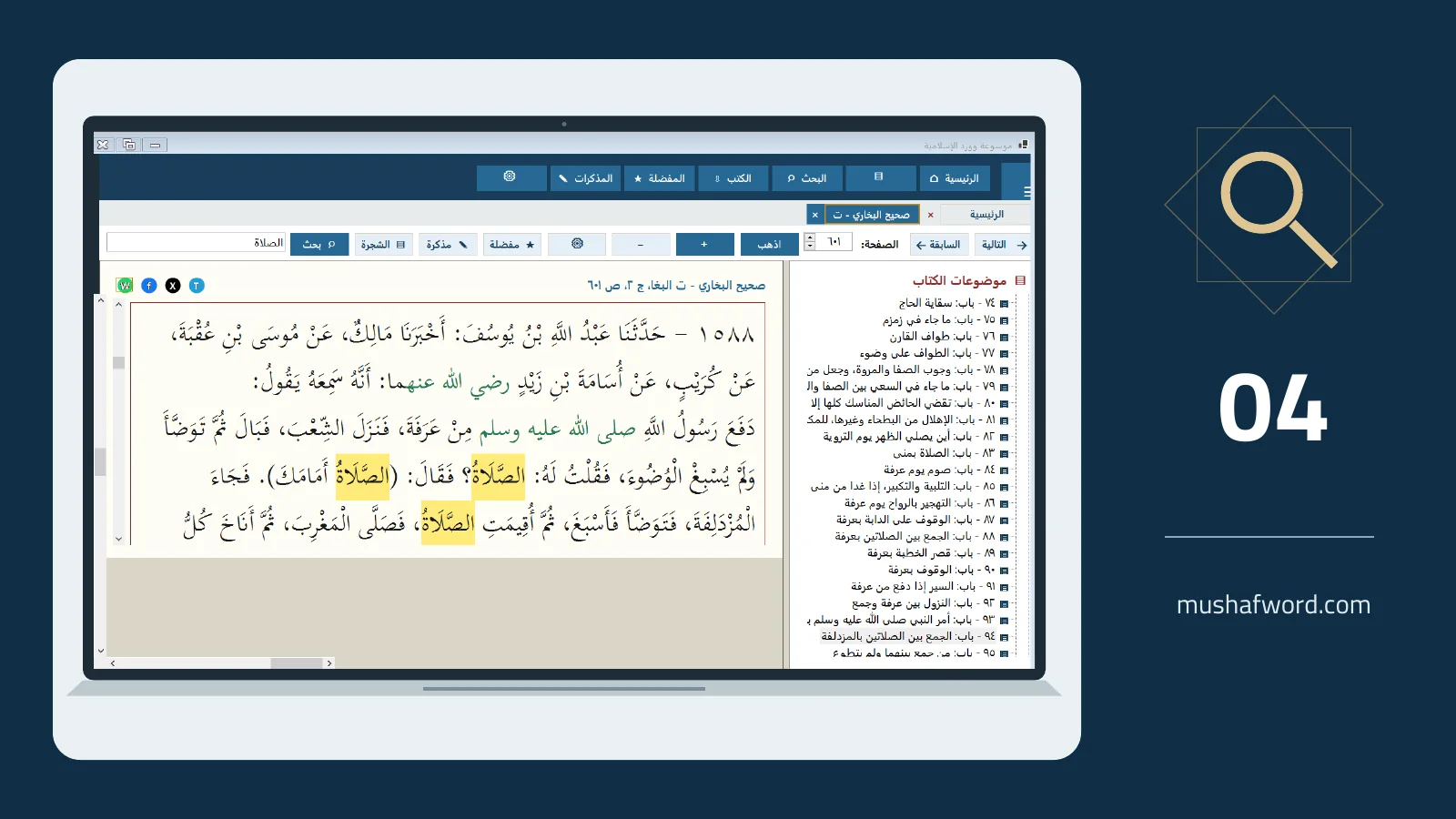
Choose a phrase, all words, any word or an Arabic root, then examine highlighted matches in context.
Read more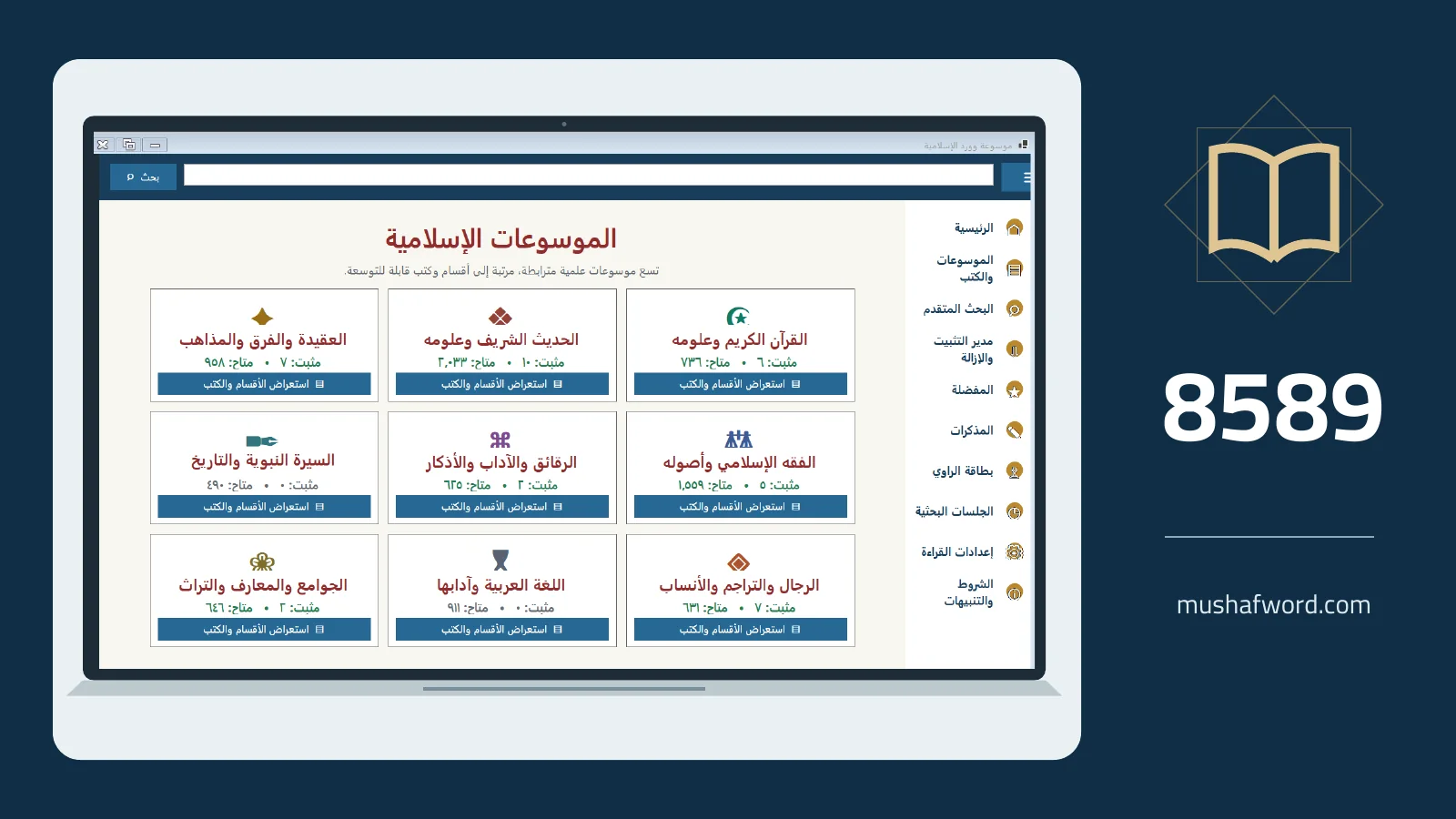
Understand the 8,589-book catalog and install the sources you need for reading and local search.
Read more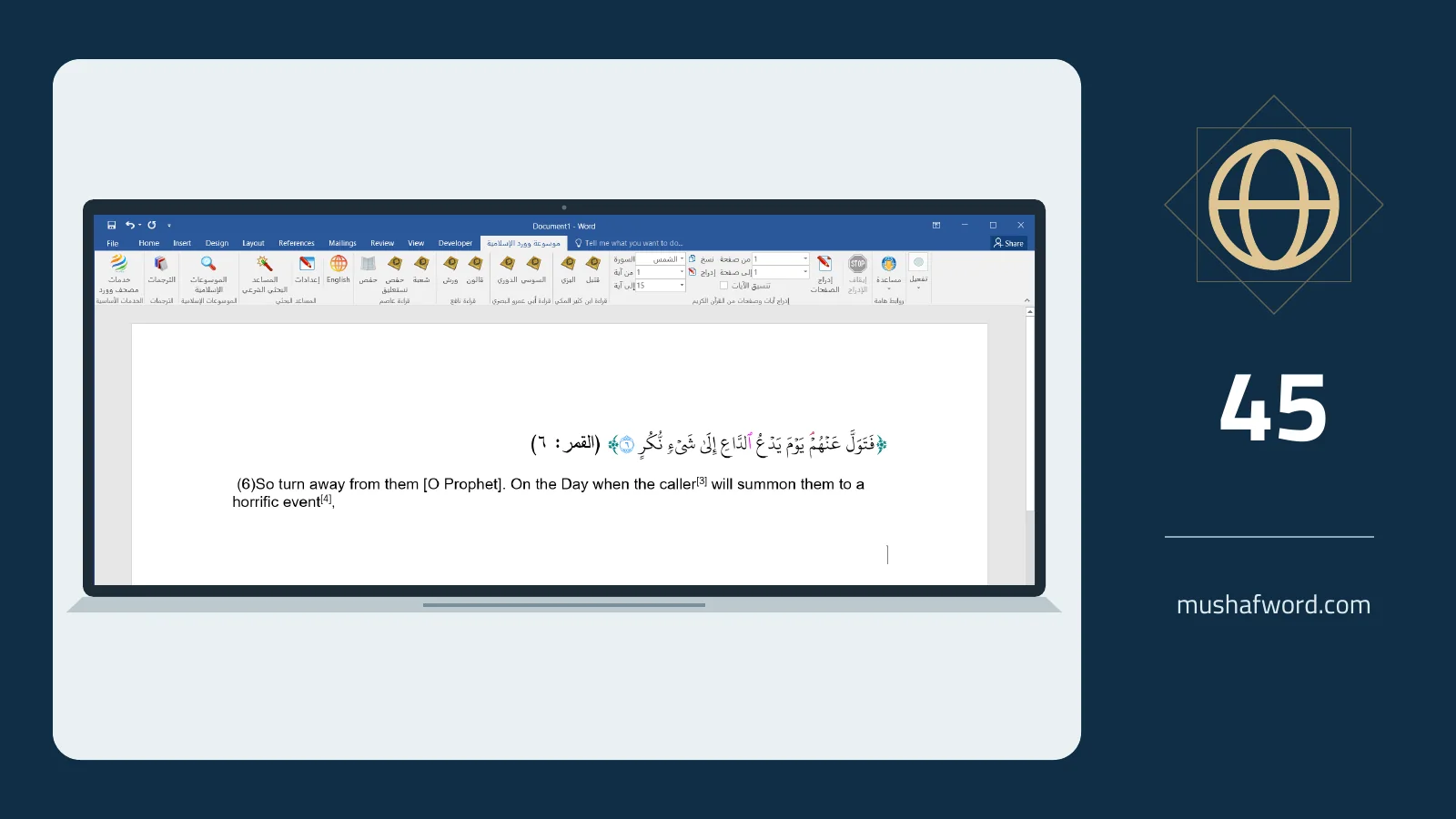
Select from 45 translations, set a default, and place attributed translations of meanings alongside Quran verses.
Read more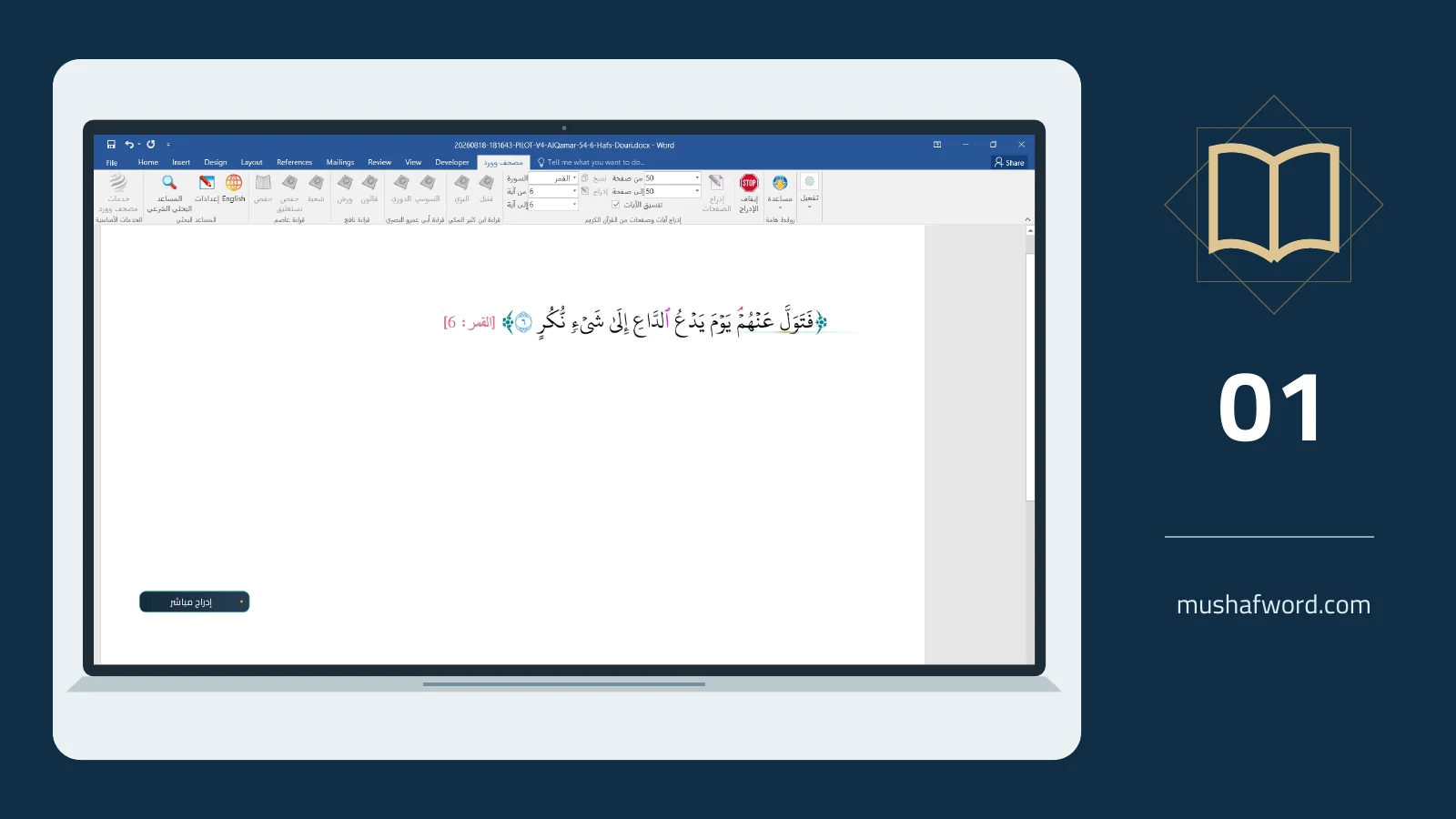
Choose a verse, insert it in Uthmani script conforming to the Madinah Mushaf, and check its range and citation.
Read more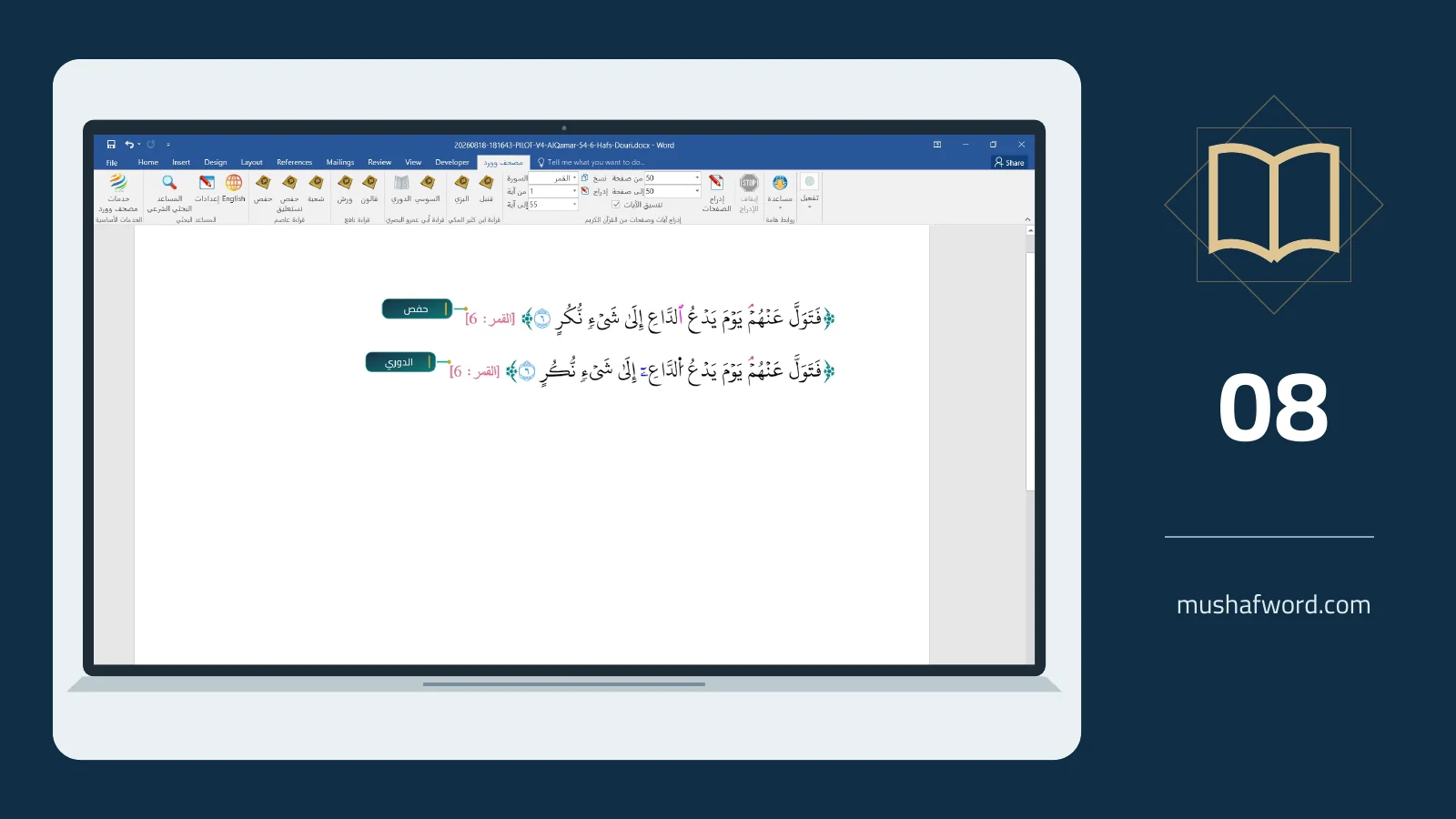 Video
Understand the recitation groups, distinguish a recitation from a typeface and check your selection before preparing research or teaching material.
Read more