
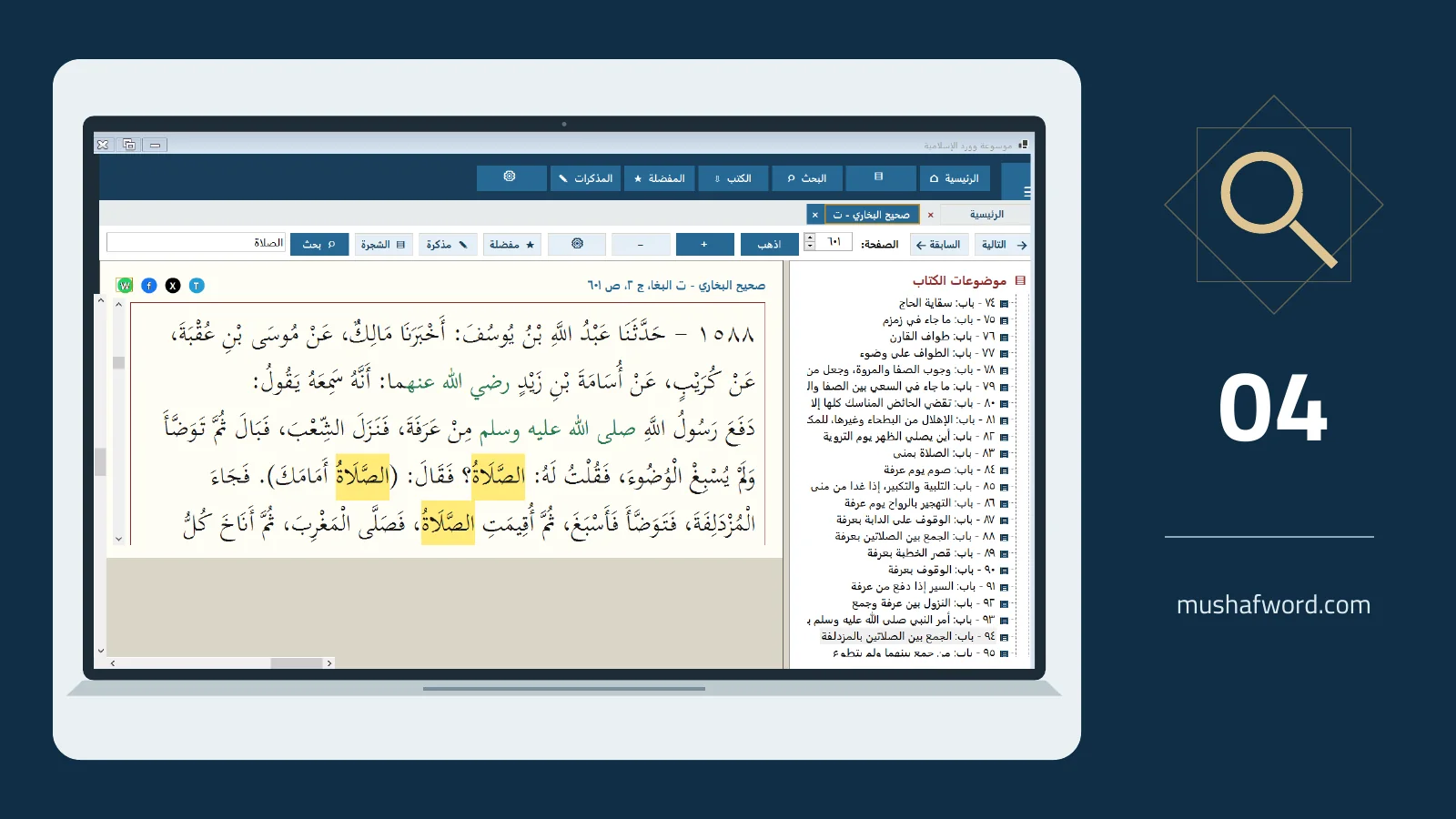
Sometimes you know the exact phrase; sometimes you remember separate words or expect a different grammatical form. One search mode cannot serve every question. Advanced encyclopedia search offers four visible methods for books installed and indexed on your computer.
When you know the phrase
Use consecutive words to find a specific expression. This narrows the results and helps locate a quotation. If nothing appears, check spelling and broaden the query before concluding that the text is absent. The edition may differ or the relevant book may not be installed.
When the words are separated
All words is useful when several terms should occur together without being adjacent. Any word offers a broader starting point, but may return less relevant passages. Prefer distinctive terms instead of very common words that produce many unrelated matches.
When word forms vary
Arabic root search helps explore forms associated with a root. It is distinct from partial-word Quran search and from semantic search. Read the results critically: sharing a root does not establish the same meaning in every context.
Read beyond the highlighted words
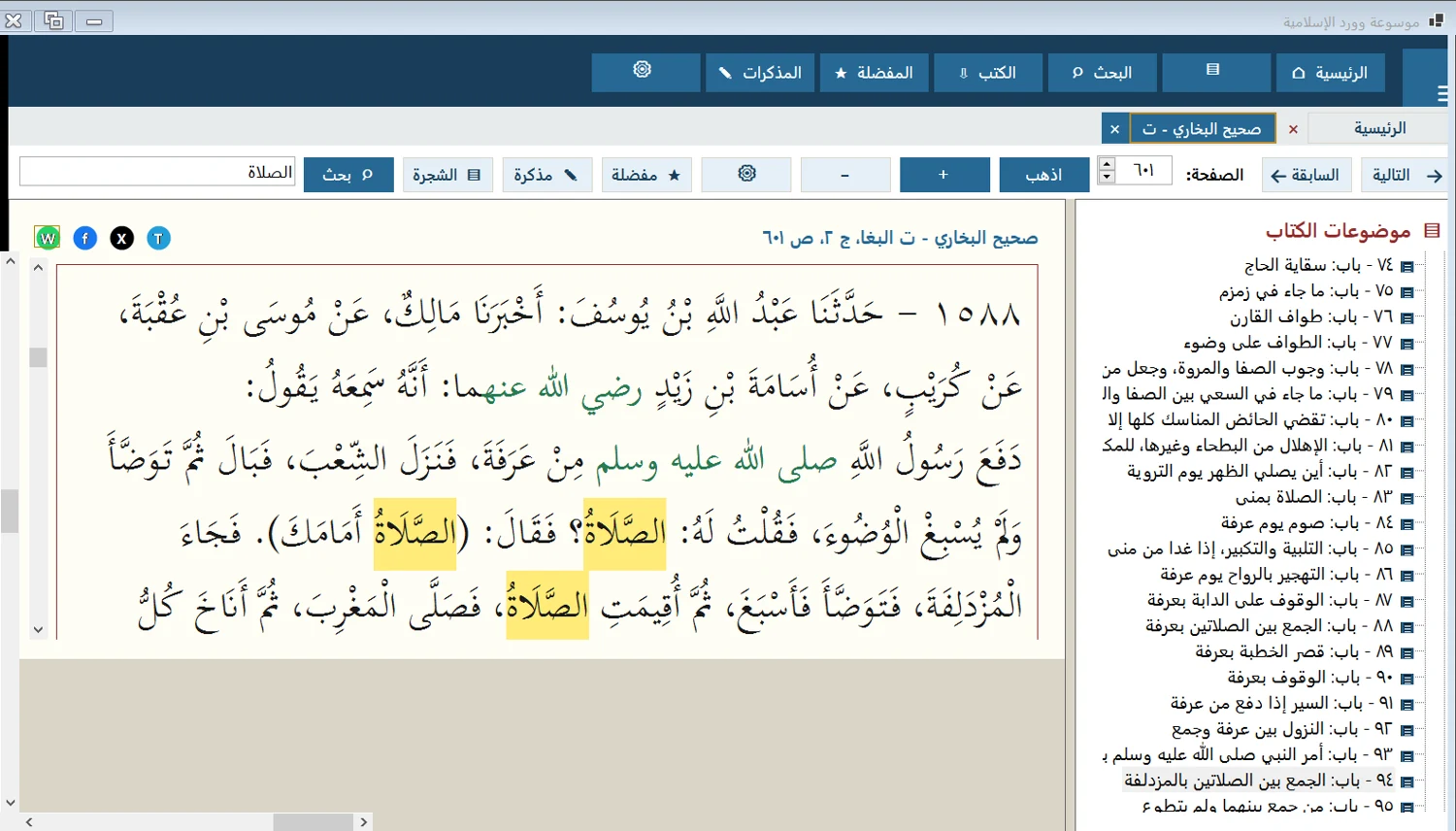
Select an appropriate search scope, then open a result with a double-click. Read the surrounding text rather than only the highlighted match. Record the book, edition, volume and page where available. Bookmark a useful passage if you expect to return to it during writing.
Local search excludes uninstalled books. General semantic search across the whole catalog is not available in the currently documented configuration.
Comments and discussion
Comments are reviewed before publication. Please keep your comment relevant to the article.