
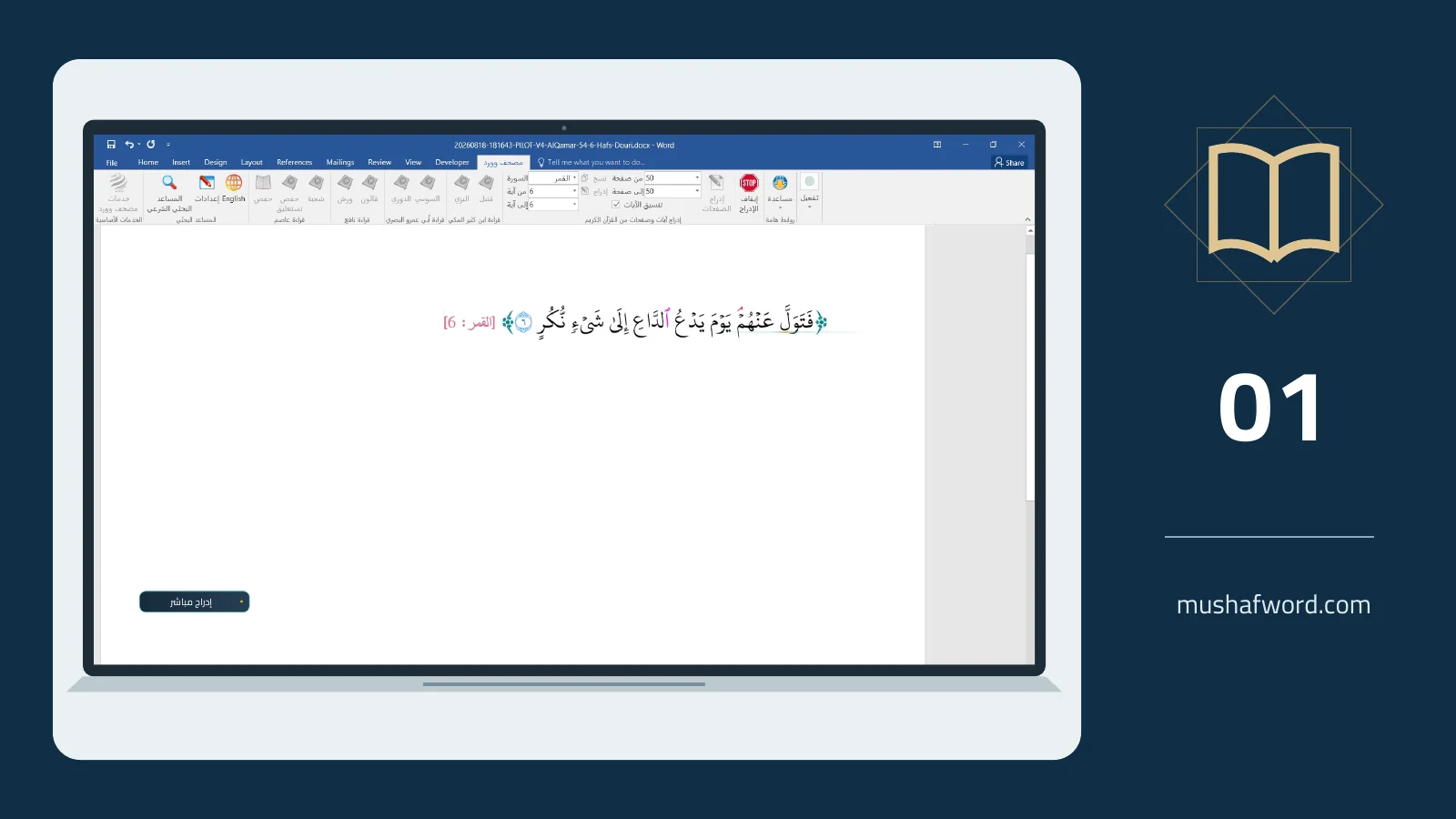
A research paper may need one verse, while a lesson requires a longer passage. Start with the correct recitation and source, then select the amount of text your discussion needs. Word Islamic Encyclopedia, formerly Mushaf Word, places Quran text inside your document without manual retyping.
Locate the passage
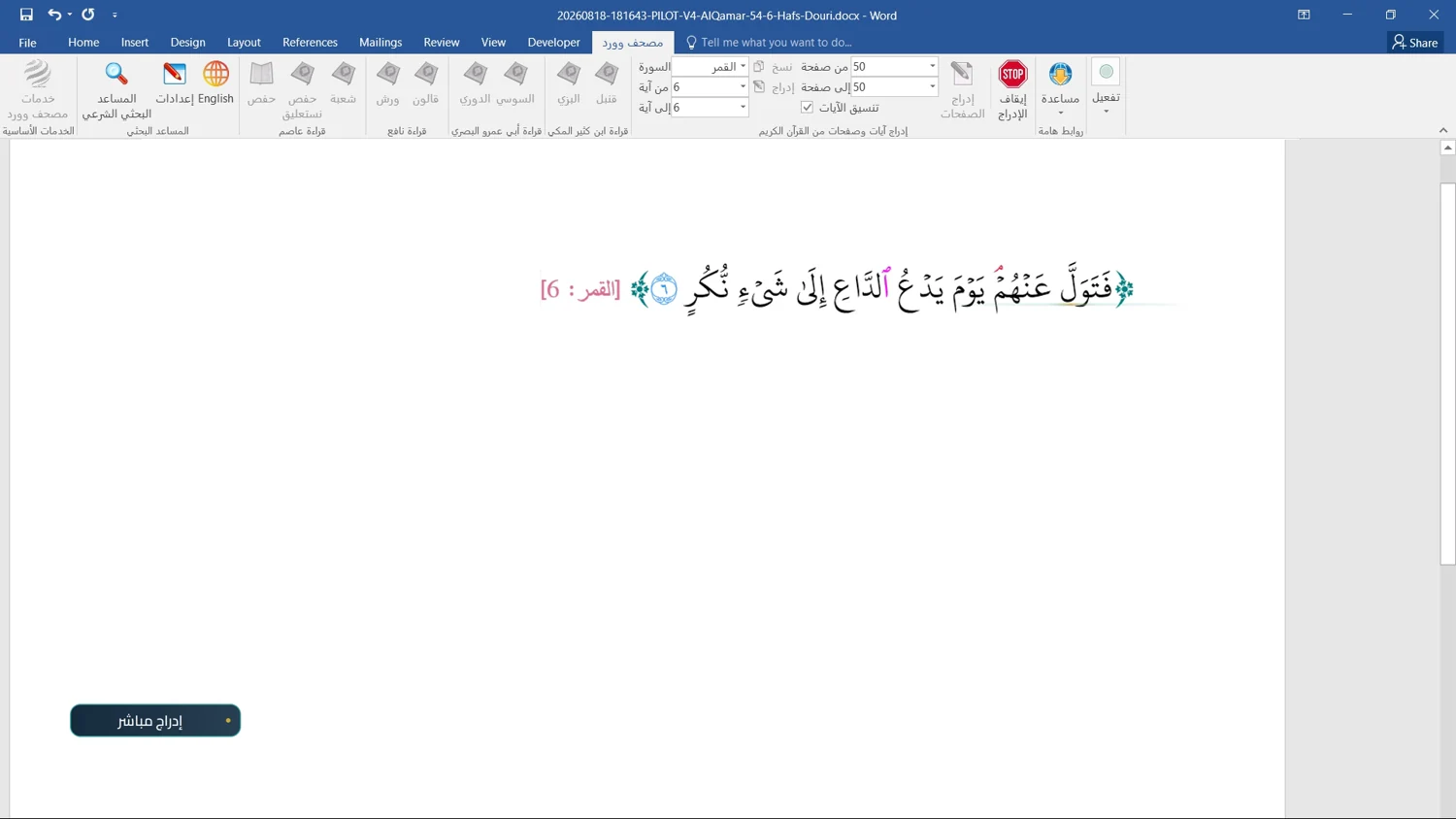
Place the cursor where the passage should appear. Select the surah and verse, or a range of verses, in the add-in. If you remember only a word, begin with search. Read the full result before choosing it: a matching word alone does not establish that this is the passage your discussion requires.
Choose a suitable range
Available insertion tools cover a verse, part of a verse, a verse range, and surah or page-based workflows. A short worksheet may need only a brief excerpt; a connected explanation may require the surrounding verses. Choose deliberately and allow insertion to finish before starting another operation.
Set the citation
Depending on the insertion path, settings let you control the surah and verse reference and its placement. A reference may belong on the same line, a separate line or in a Word footnote. Check font size, brackets and text colors in the final document, particularly before printing.
Preserve the appropriate font
Recitation texts and their fonts use official King Fahd Quran Printing Complex sources. When moving text into a design application, confirm that the recitation font and symbol font are available. An ordinary font is not an equivalent replacement. Inspect the exported PDF as well as the Word document.
Access depends on the licensed edition or trial. Check the final text, recitation and citation before distribution.
Comments and discussion
Comments are reviewed before publication. Please keep your comment relevant to the article.