
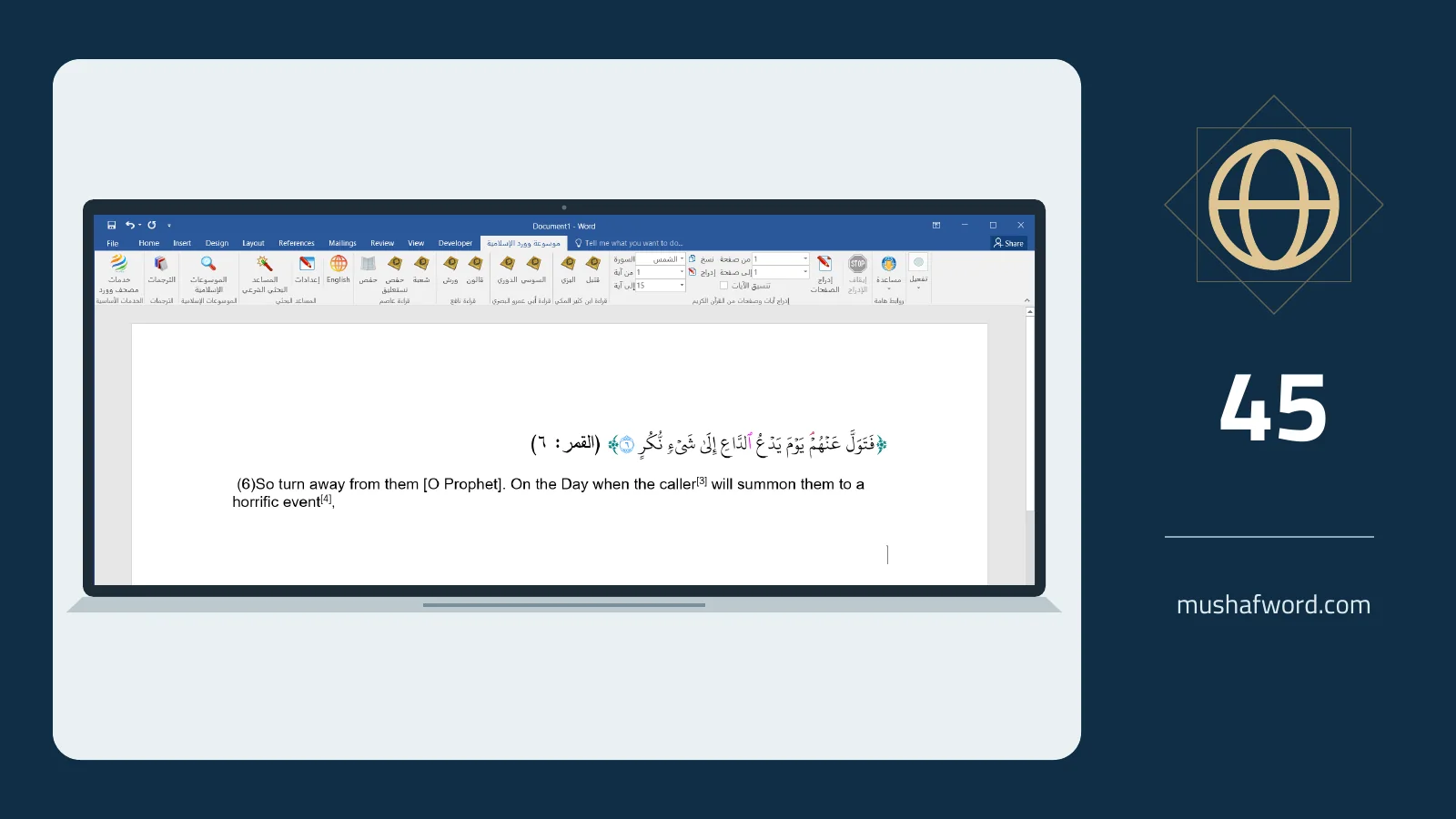
A multilingual lesson needs both Quran text and a clearly attributed translation of its meanings. The program includes 45 translations sourced from QuranEnc and the original translators. This is a count of translations; it should not automatically be described as a count of languages.
Choose for your audience
Open the translation manager, find the required translation and select it. You can choose several translations, arrange their order and set a default. Include only what readers need: several long versions can interrupt the lesson rather than make it clearer.
Check placement after insertion
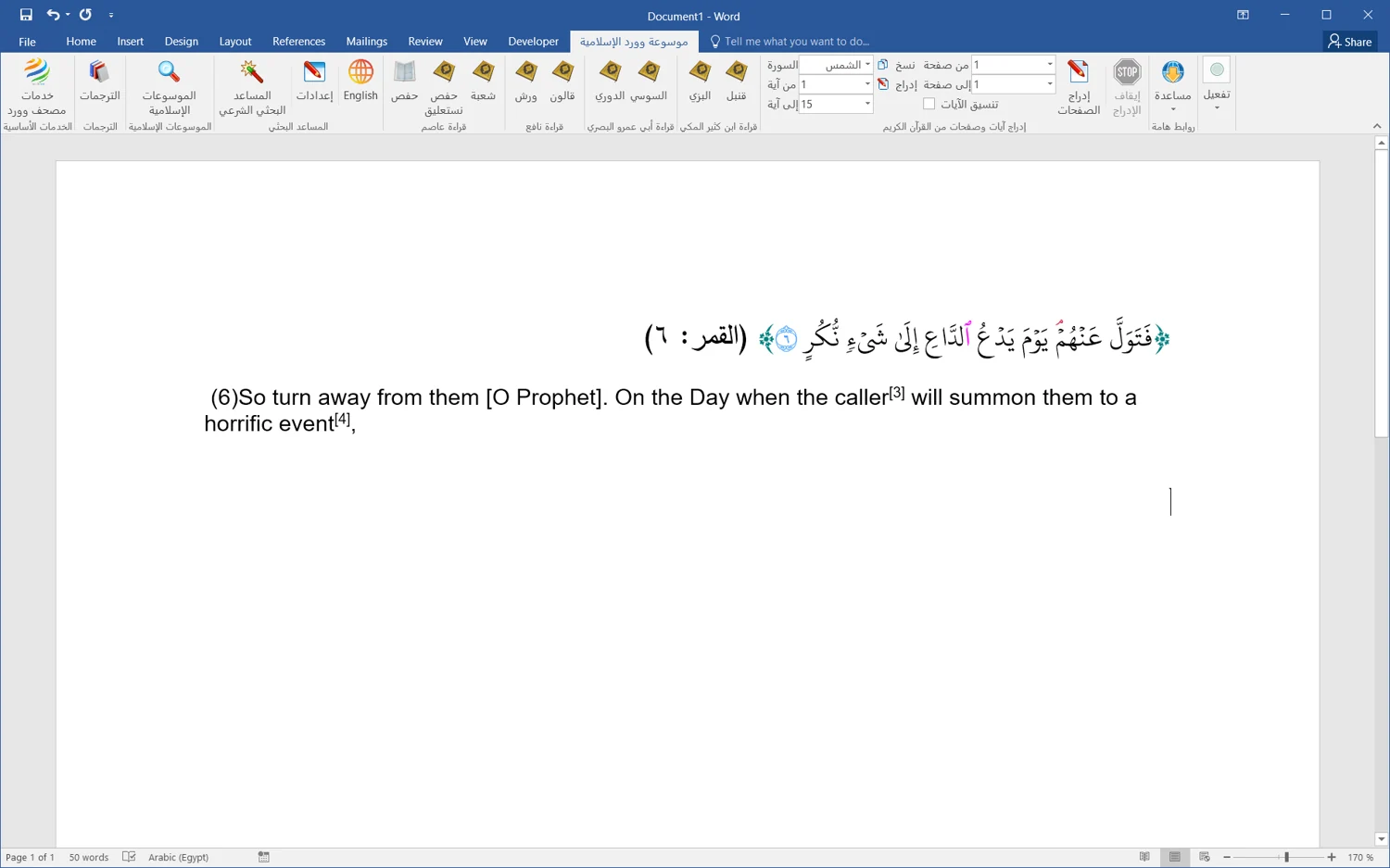
In the supported workflow, the verse appears first and the translation follows in its own paragraph. The screenshot shows an English translation after verse six of Surah al-Qamar. Automatic attachment depends on numbering paths compatible with Hafs and its supported script option; it is not universal across recitations.
Review attribution and footnotes
Settings include translation-name display and available footnotes. Check paragraph direction when Arabic appears beside a left-to-right language. Depending on the insertion path and settings, translation footnote references can become Word footnotes. Inspect the result rather than assuming every layout behaves identically.
Inspect longer selections
With several verses, confirm that each translation remains associated with the right verse and that your chosen order is preserved. For a Mushaf page, check the translation block following it. Retain translator and source attribution, and describe the text as a translation of meanings rather than the Quran itself.
Translation access depends on the edition or trial. Confirm the recitation and insertion path before relying on automatic attachment.
Comments and discussion
Comments are reviewed before publication. Please keep your comment relevant to the article.