
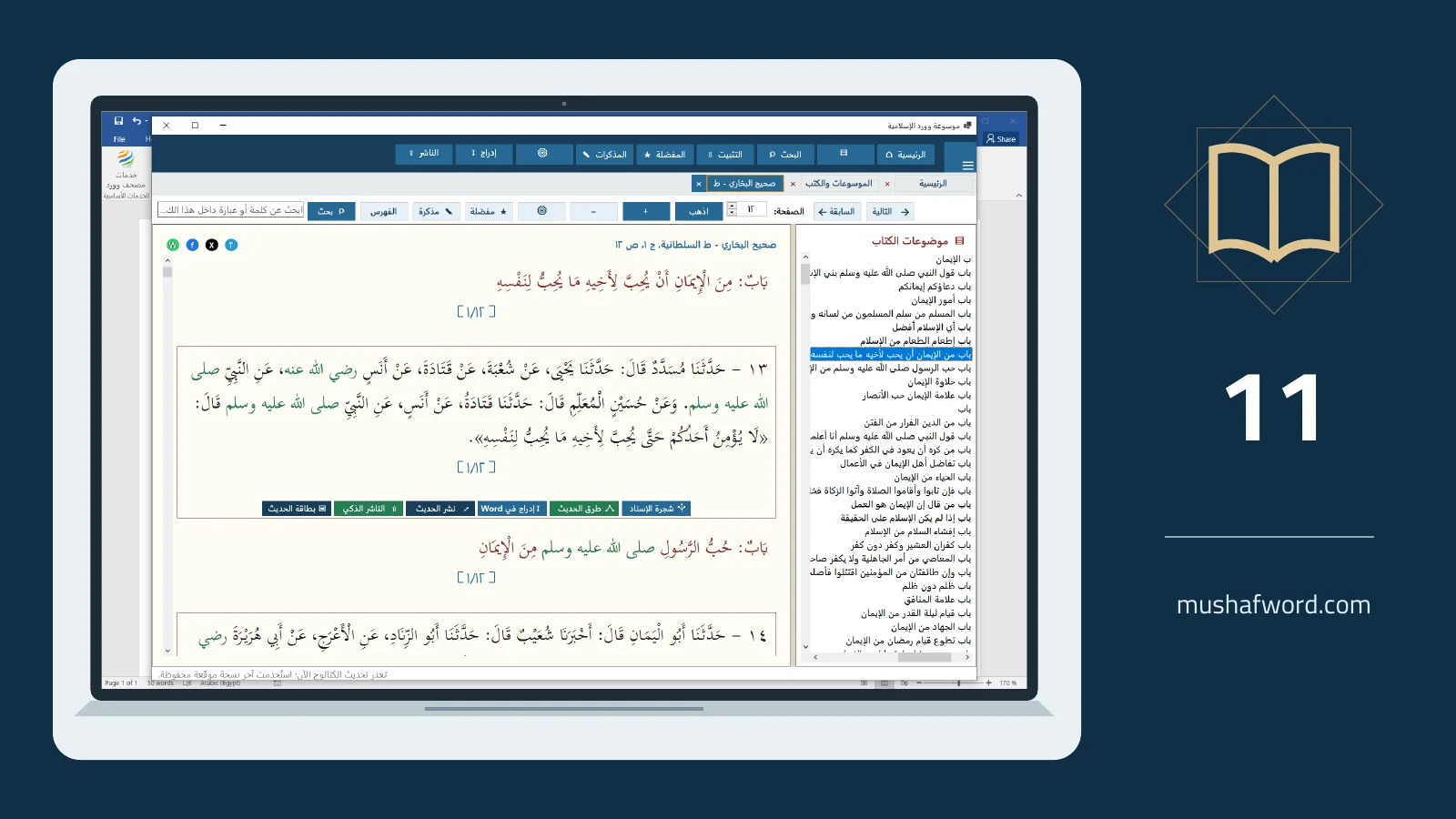
A useful lesson does not always need dozens of quotations. It needs a clear question, a defined audience and sources that serve that purpose. Word Islamic Encyclopedia brings reading, searching and insertion closer together, while the argument and scholarly review remain yours.
Define the purpose first
Write a working title and three questions your material should answer. An introductory class differs from a specialist paper or a short sermon. This simple outline helps you select an appropriate amount of evidence instead of assembling a long, loosely connected collection.
Collect passages with their locations
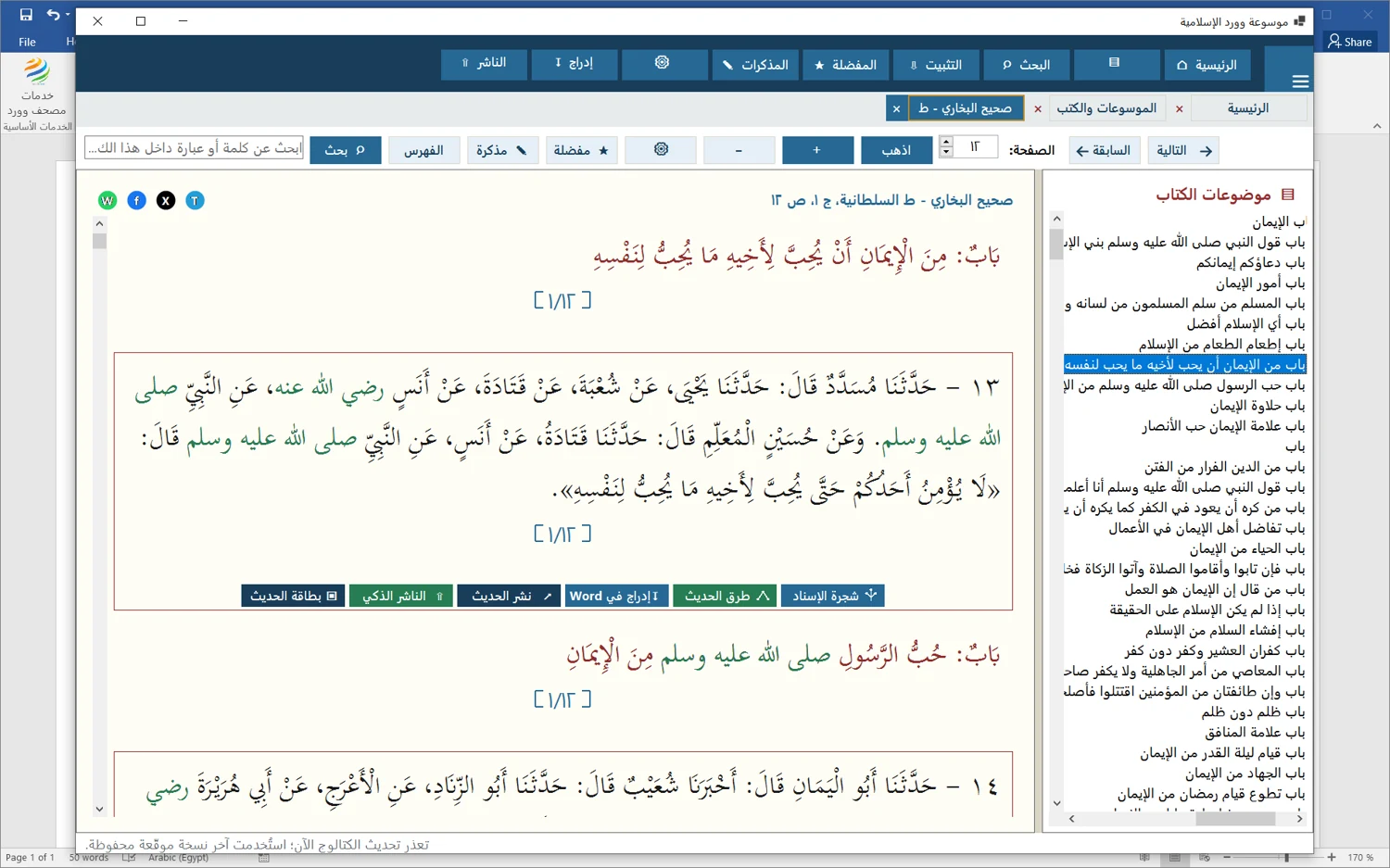
Find and insert Quran text using the required recitation and Uthmani script. Select and install relevant encyclopedia books, then choose word or root search according to the question. Open each result in context and bookmark useful locations before moving to another source.
Separate quotation from commentary
Attach a short note describing what a passage contributes, what requires comparison or what remains unresolved. When inserting text into Word, retain available source details and distinguish quotations from your explanation. For a translation of meanings, keep translator attribution and check paragraph direction.
Review the finished resource
Read the draft as a whole, then check fonts, citations and heading order. Prepare a short excerpt or hadith card only when the selection preserves the intended meaning. If you send material to Smart Publisher, review it in the approval queue before publication.
The tools reduce the steps involved in finding and organizing material. They do not select appropriate evidence or carry out scholarly verification on your behalf.
Comments and discussion
Comments are reviewed before publication. Please keep your comment relevant to the article.