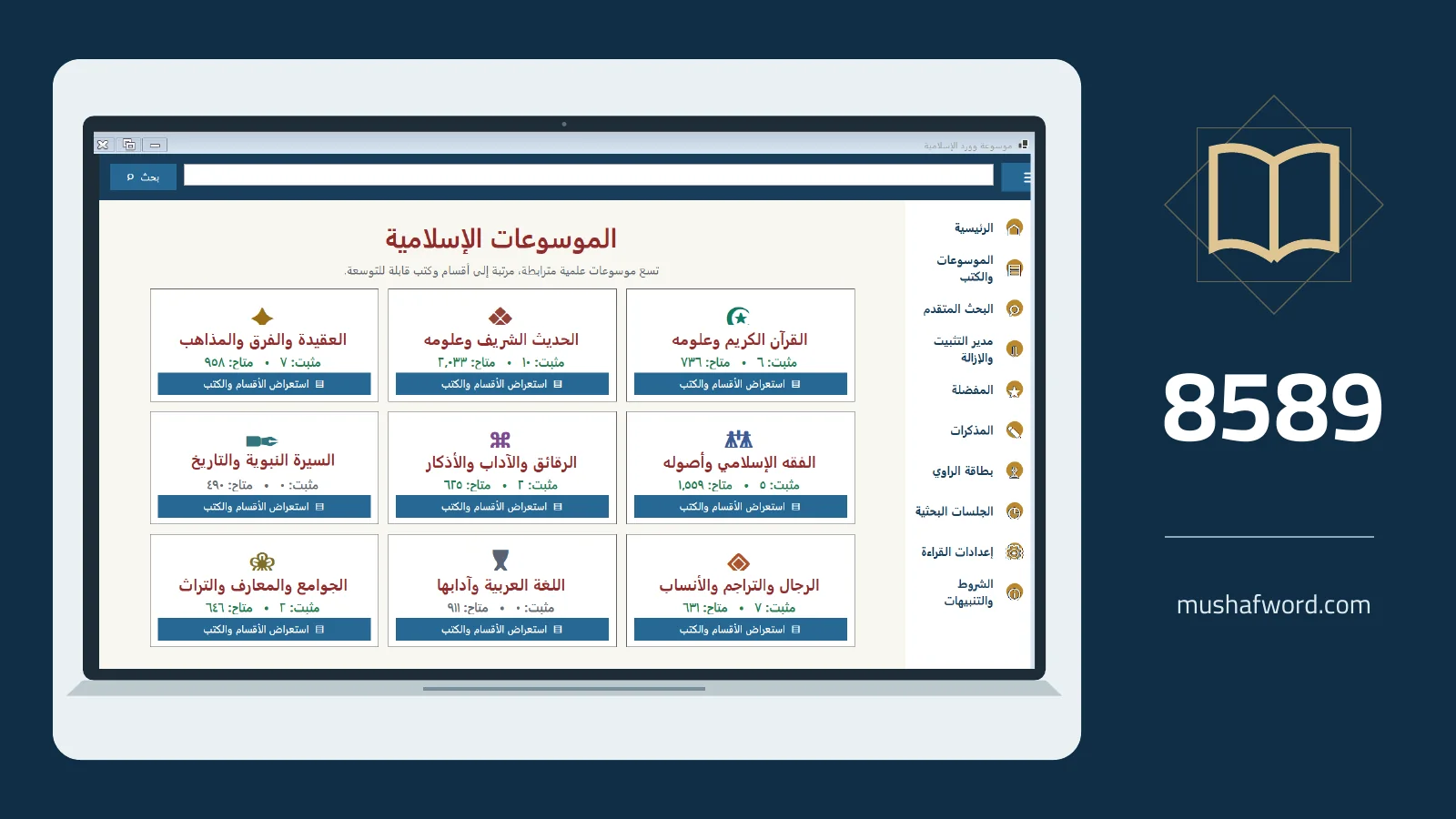
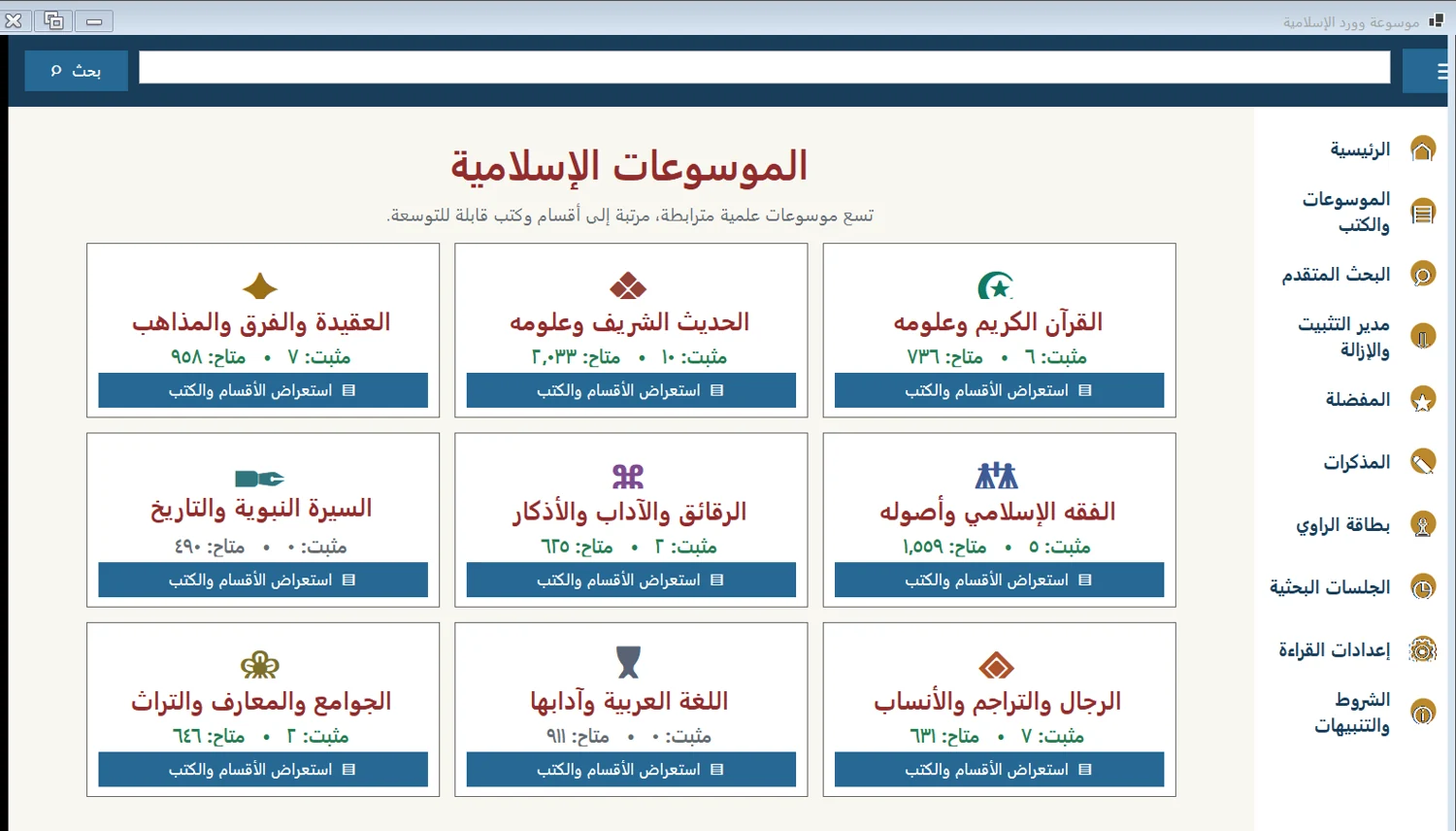
A large catalog does not mean downloading every book. The encyclopedias offer a catalog of 8,589 books across 40 categories, grouped into nine collections. Optional installation helps you build a library around your subject and available storage instead of starting with a large, unnecessary download.
Navigate by subject
Collections cover Quran studies, hadith, creed, jurisprudence, ethics and remembrance, history and biography, narrators and genealogy, Arabic language and literature, and general heritage references. Use the subject to narrow your search, then examine the title, author and available edition.
Start with a focused selection
In installation management, search by book title or author and review its status, size and description. For one lesson, an original source, a commentary and a supporting reference may be a useful starting point. Books become available to local search after installation and indexing.
Distinguish available from installed
Encyclopedia cards show catalog availability separately from the books installed on your computer. Seeing a title does not mean its full text is already ready to read. Local search does not include an uninstalled book simply because that book appears in the catalog.
Plan updates and offline work
Downloading books and updating the catalog require a connection. Reading installed books and searching them locally do not require a fresh download each time. Review book updates when offered, and remember that edition details and citation data depend on the actual source package.
Encyclopedia access belongs to the Advanced edition according to entitlement. The 8,589 figure describes the optional-download catalog, not an automatic installation.
Comments and discussion
Comments are reviewed before publication. Please keep your comment relevant to the article.