
A useful passage can be hard to find again after you move to another book. A bookmark keeps the location; a note keeps your reason for saving it. Together, they support a continuous research process while keeping the original text close to your own observations.
Bookmark the location
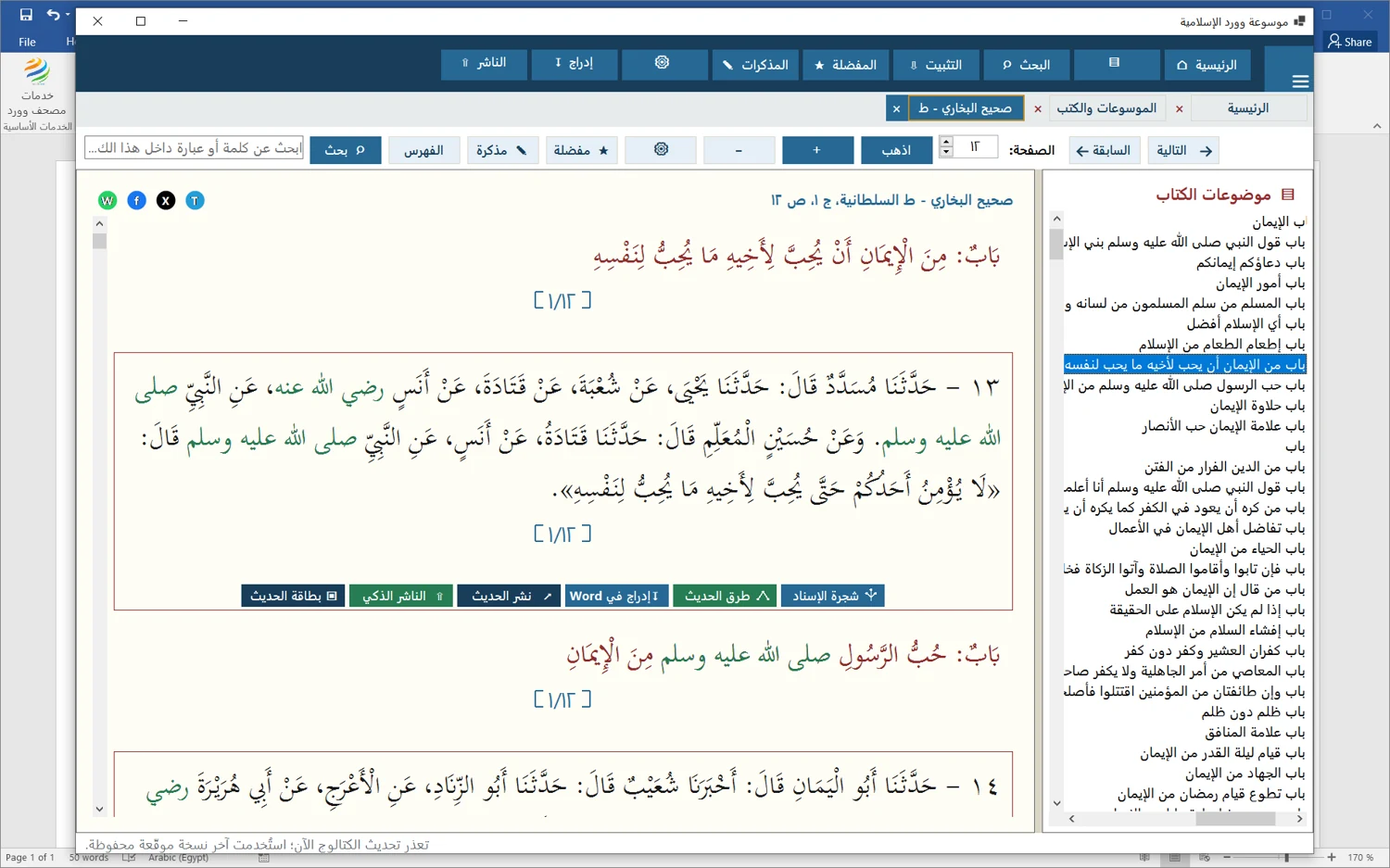
Open the required page in the reader and choose Favorites. The saved list includes the book and page location, as shown in the Sahih al-Bukhari screenshot. Double-clicking the entry returns to its place in the book instead of requiring another search.
Write why the passage matters
Choose Note while viewing the page, enter a clear comment and save it. Write for your future self: why did you select this passage, and what needs comparison? Keep the source wording distinct from your interpretation so that an observation cannot later be mistaken for a quotation.
Review saved notes
The notes screen brings together the book, page, selected text where available, and last modification date. Entries can be edited or deleted. Double-click a note to reopen its page and read the context before inserting a quotation or building an argument around it.
Make reading comfortable
Use the contents tree, page navigation and tabs for open books. Adjust main-text and footnote sizes for your screen. Copy text or insert it into Word when the connection is available. User data is kept separately from book packages, but opening a saved location still requires its book to be installed.
Check the available edition and page information before using a passage as a scholarly citation.
Comments and discussion
Comments are reviewed before publication. Please keep your comment relevant to the article.