
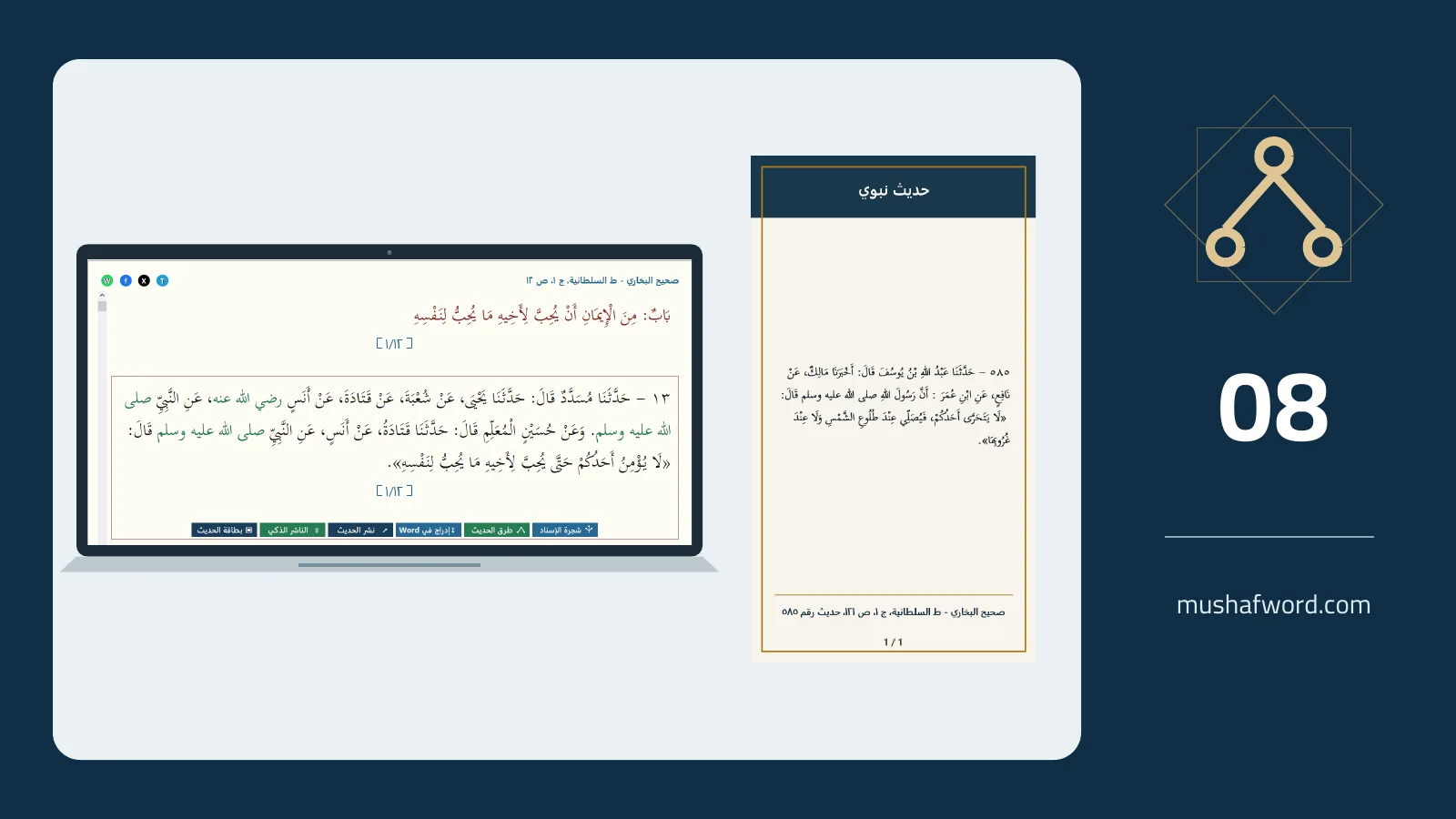
A useful card starts with accurate attribution and readable text, not decoration alone. Hadith cards turn the record text and available citation into an image, with a preview and formatting options. Selecting the passage and checking its source remain the publisher’s responsibility.
Start at the hadith location
Open the hadith in its book and use the card action where the source data supports it. The card is built from text and citation data rather than a screenshot of the reader. If you add a heading, keep it faithful to the passage and avoid implying a meaning the wording does not support.
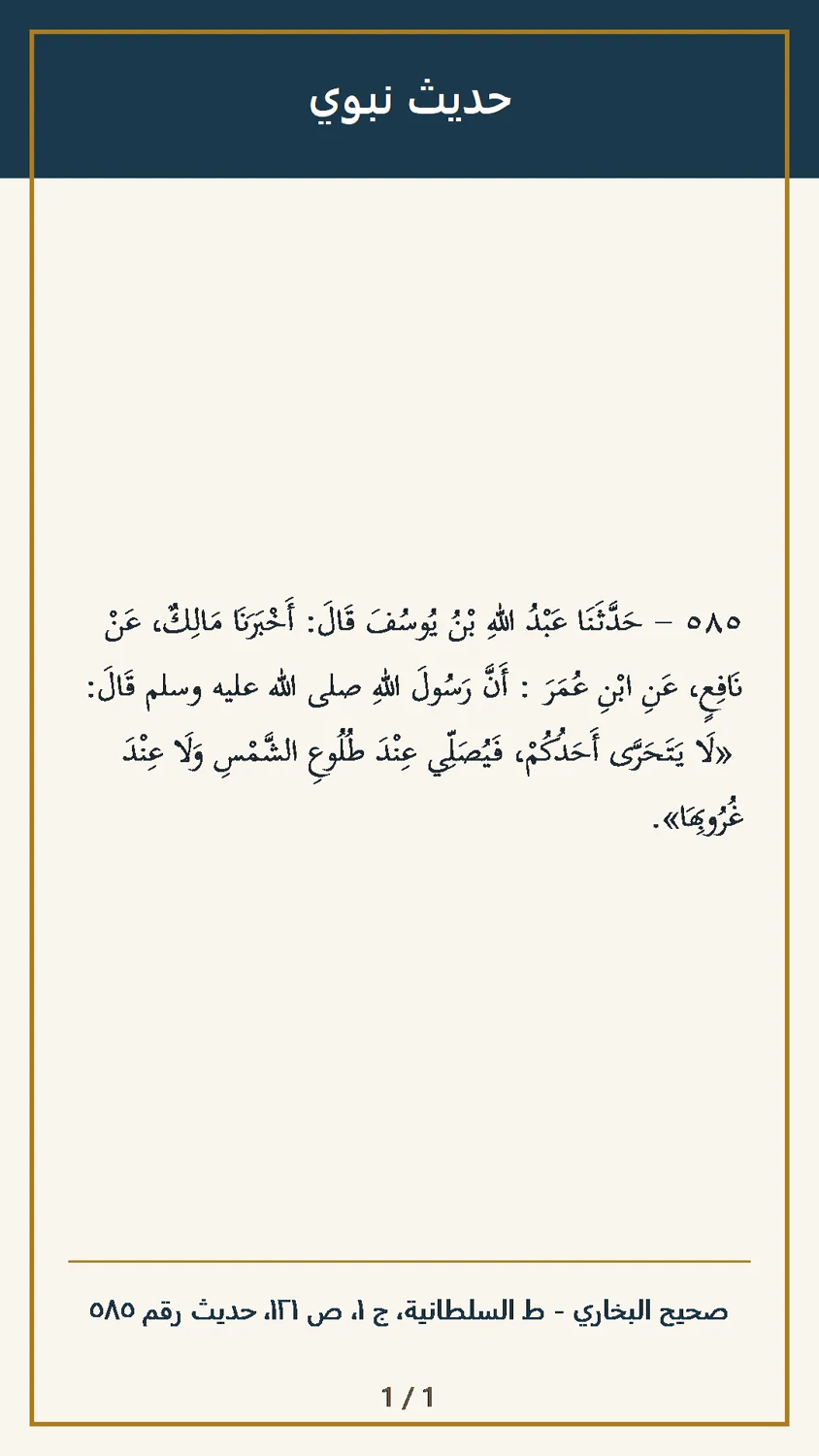
Prioritize readability
Review font size, spacing and the colors of the chain, main text and background. Choose clear contrast and inspect the preview at roughly phone-screen size. Settings allow formatting adjustments and a return to defaults when the design becomes crowded or difficult to read.
Check long passages
The program may change orientation and then divide a long passage into numbered images. Review the complete sequence and save it in order. Do not publish only the first image when the remaining text or citation appears later, or silently truncate the passage.
Choose the sharing workflow
Save or copy the image and open a platform for manual sharing. With the connection configured, you can also send material to Smart Publisher. Acceptance into its review queue does not mean public publication: review the text, images and destination before approving the next step.
Available hadith actions vary by source location. A polished card is not a substitute for checking its text and attribution.
Comments and discussion
Comments are reviewed before publication. Please keep your comment relevant to the article.