
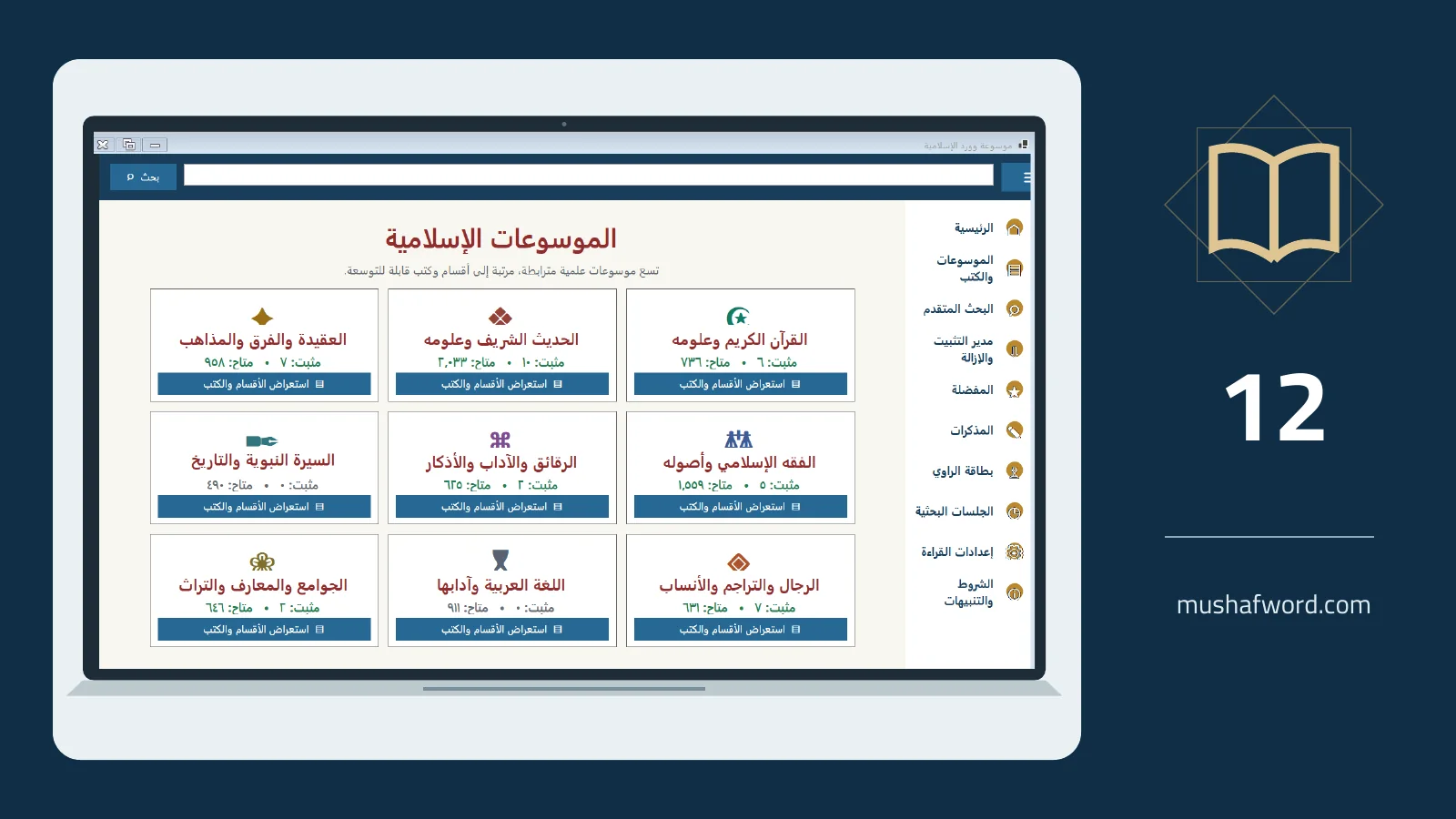
The best introduction is a task you actually need. Word Islamic Encyclopedia is the new name for Mushaf Word and combines a Word add-in with the companion encyclopedias. Access varies by edition, license and trial, so begin with the options your interface makes available.
Use the program download page
Follow the official download page and its required sign-in process for the trial. Extract the download, run the installer and follow its instructions, then open Word. If the add-in does not appear, consult the guide or contact support with your Word version and a description of what you see.
Try a short insertion
Open a test document and select a familiar verse and recitation. Insert it, inspect the font and citation, then try whole-word or partial-word search. If translations are available to your account, choose one in the manager and test the supported insertion path before preparing a long document.
Install one book first
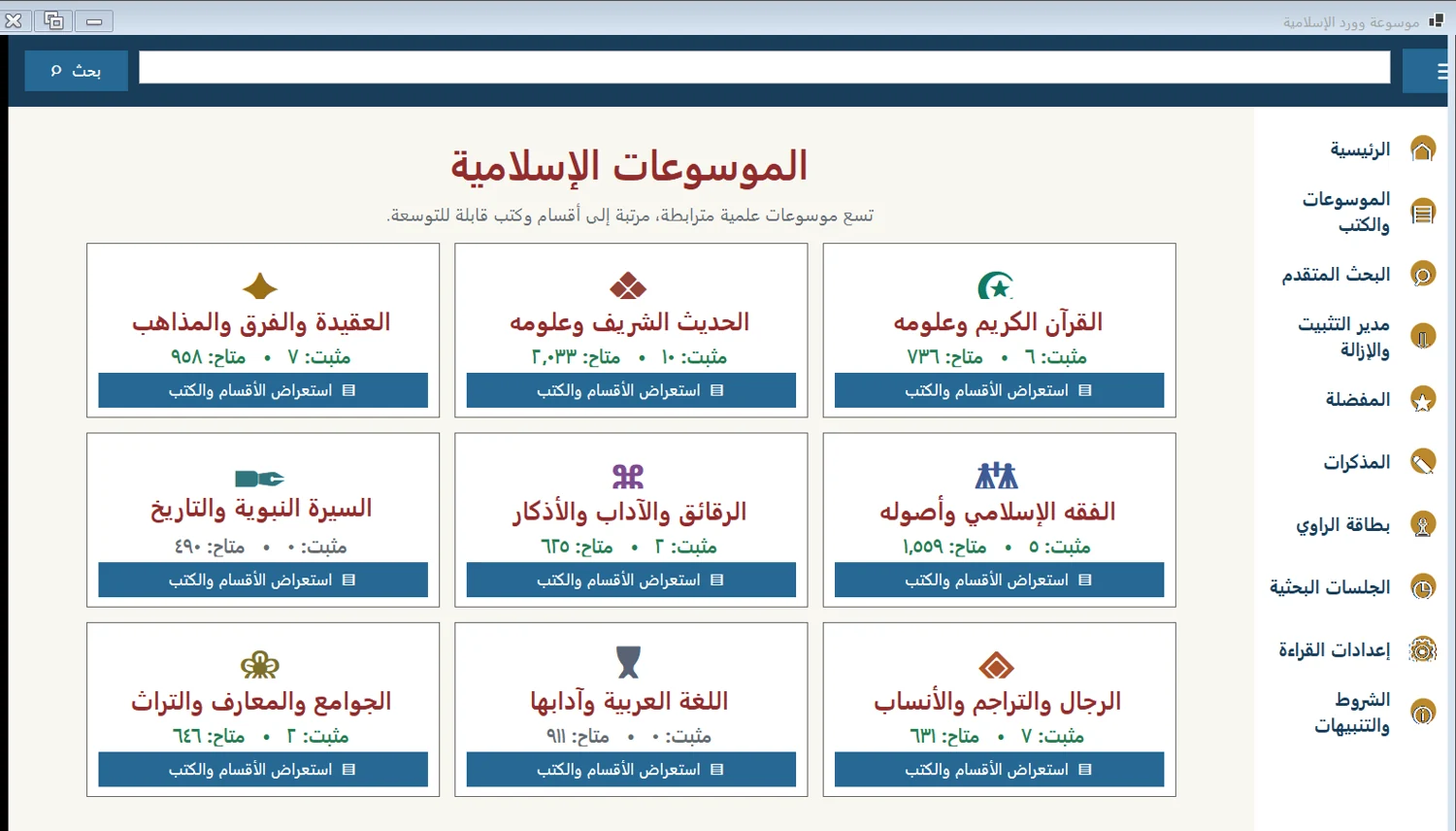
When encyclopedia access is available, select a familiar reference in book management. Wait for installation and indexing, browse its pages and run an in-book search. Bookmark a page and save a short note. This small exercise shows how reading, searching and returning to a source fit together.
Distinguish local and connected tools
Reading installed books and searching them locally do not require downloading the text each time. Book downloads, some research services and the Smart Publisher connection require connectivity and suitable setup or entitlement. Never include passwords or service keys in support messages; describe the problem and use a screenshot without sensitive information.
Consult the current edition comparison and user guide for availability rather than relying on an old saved feature list.
Comments and discussion
Comments are reviewed before publication. Please keep your comment relevant to the article.