
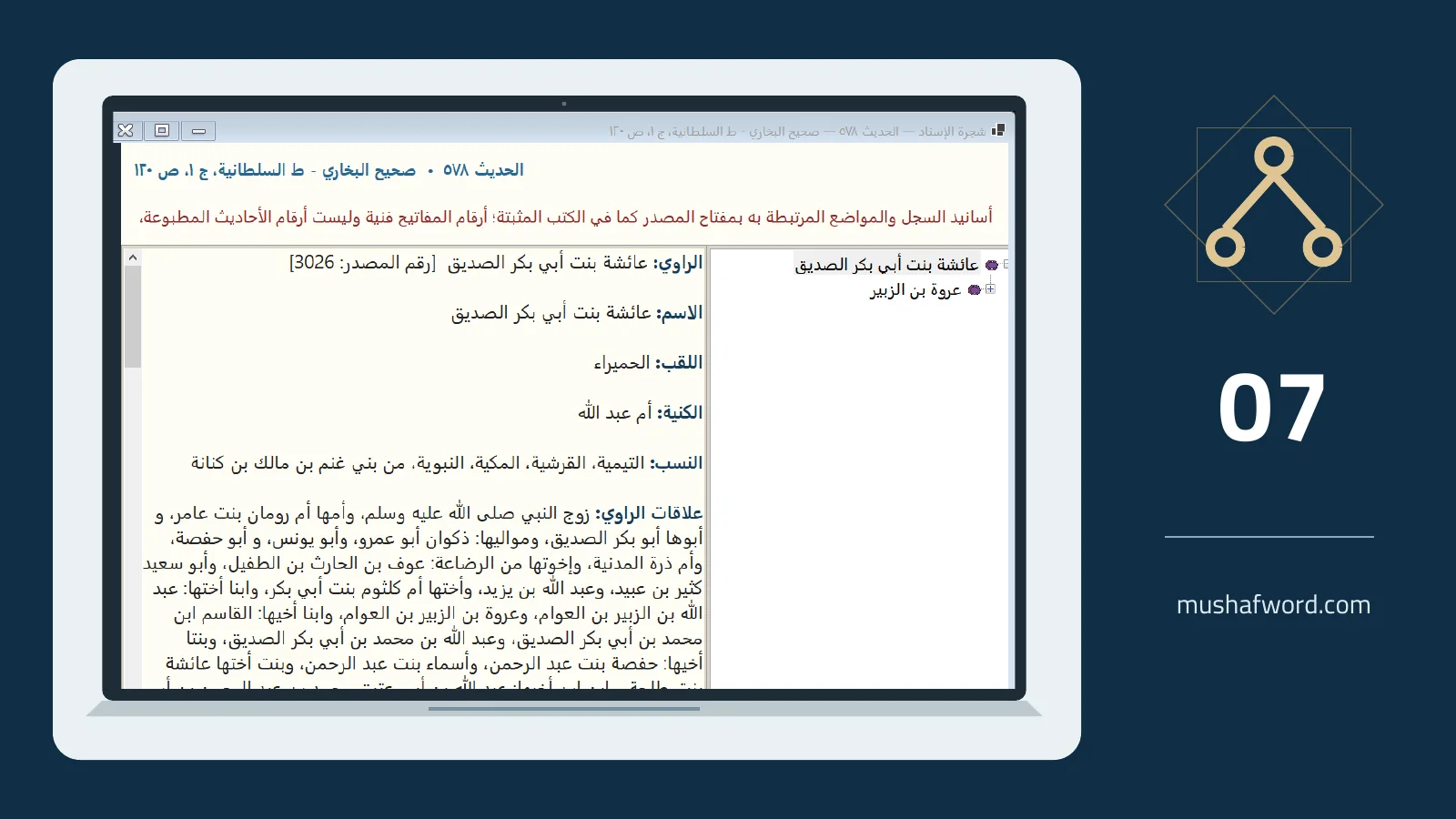
Gathering related locations is a useful research step, but it does not replace comparing texts and chains. The encyclopedia provides isnad and route tools where a book and edition have supporting data. Their role is to make sources easier to reach, not to issue an automatic authenticity judgment.
Read the tree as source links
An isnad tree shows narrators associated with the selected location according to available data. Selecting a narrator opens available biographical information. Similar names do not establish identical people. Identity may be unresolved, and the underlying source still needs examination.
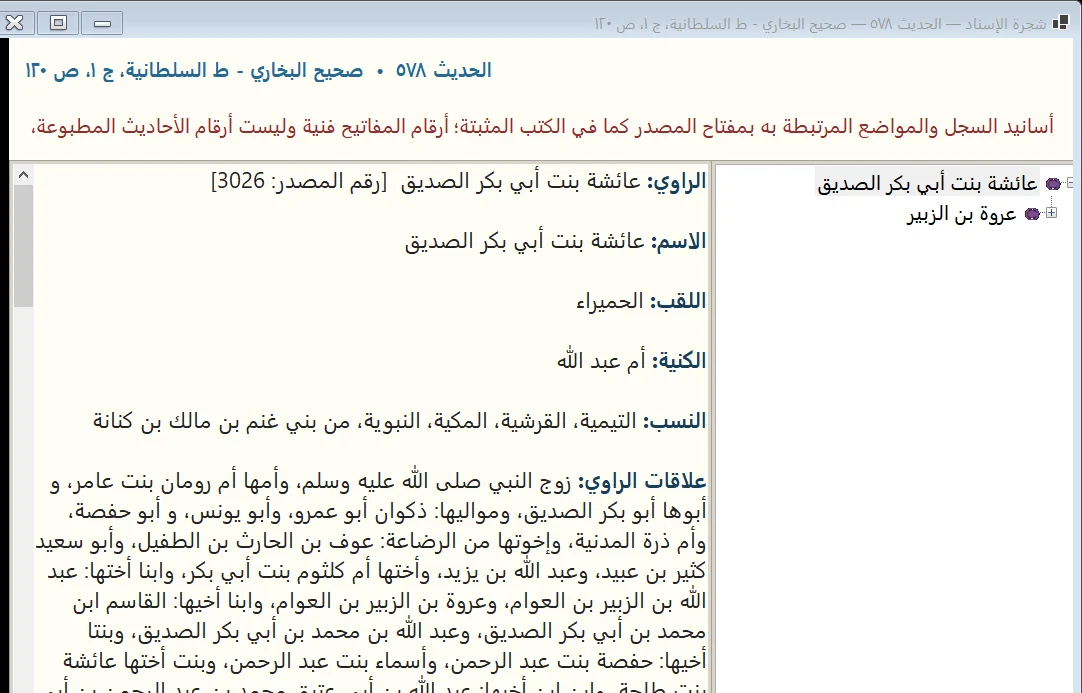
Open each linked location
The routes screen lists references across books and editions. An installed book allows its text to be read and opened in the reader; another reference may require installing its book first. Compare the actual wording and chain rather than relying on the reference title alone.
Continue with text search
The list is not an exhaustive collection of every route. Search for distinctive shared wording and widen the book scope where useful. A link may be missing or imprecise, so combine linked references with textual search and direct inspection of the edition.
Document what you reviewed
When preparing a research note, record the source, edition and location you actually read. Available tools can insert the text into Word or prepare a hadith card. Preserve uncertainties and conflicting details in your notes instead of turning them into a definite conclusion.
Source links can be incomplete or wrong. A hadith or narrator appearing in a tree or route list is not an authenticity verdict.
Comments and discussion
Comments are reviewed before publication. Please keep your comment relevant to the article.