
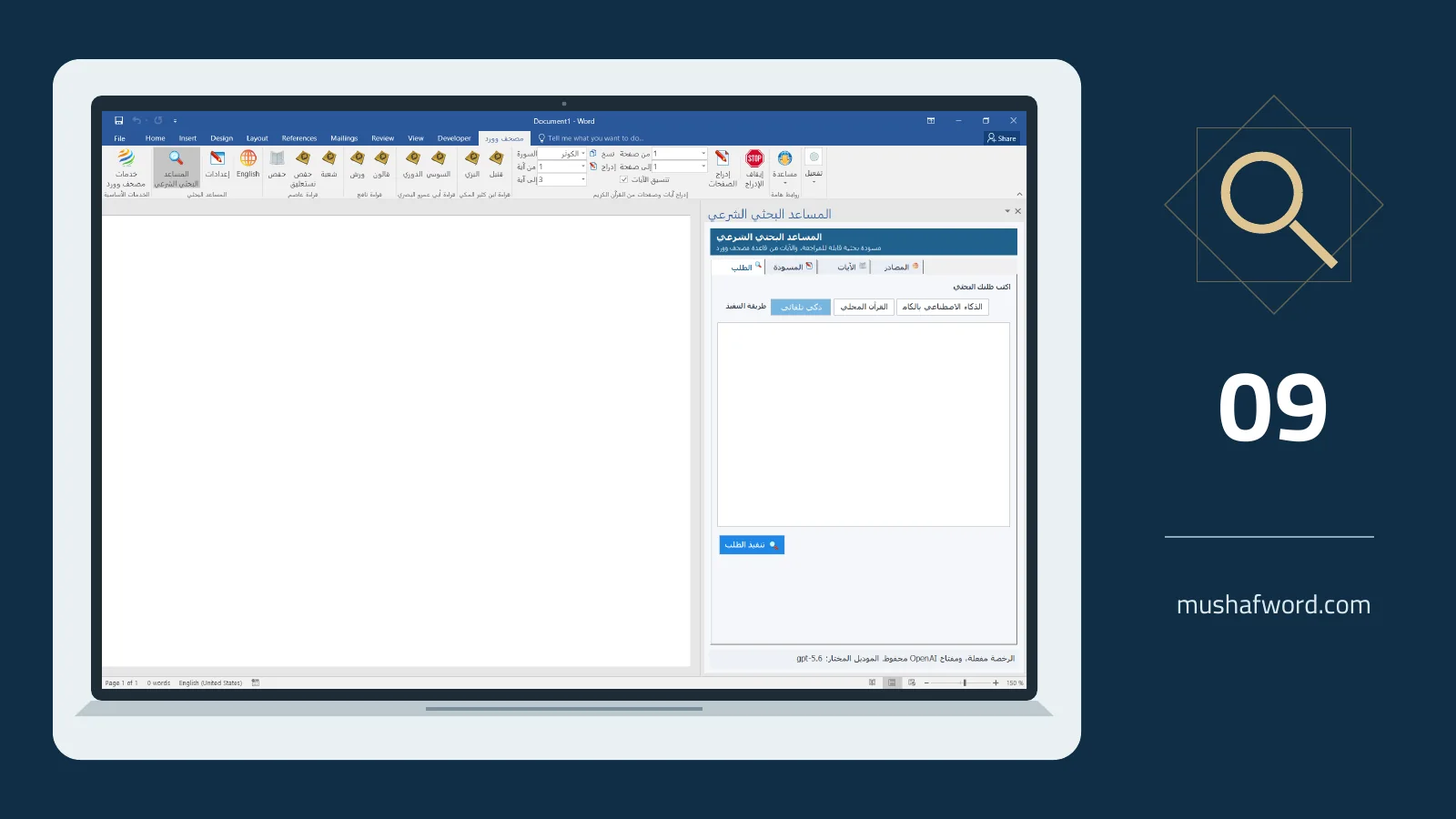
Starting a piece of research can be harder than writing it. What belongs within the topic, and which evidence should be checked? The research assistant inside Word helps develop a draft from your request. It is separate from the Digital Fiqh Assistant in the encyclopedia.
Make the request specific
State the topic, audience and desired level of detail. Instead of requesting an entire broad study, begin with a lesson outline or initial points for a focused question. Smaller tasks make it easier to inspect each part and compare it with the sources you actually use.
Understand the selected mode
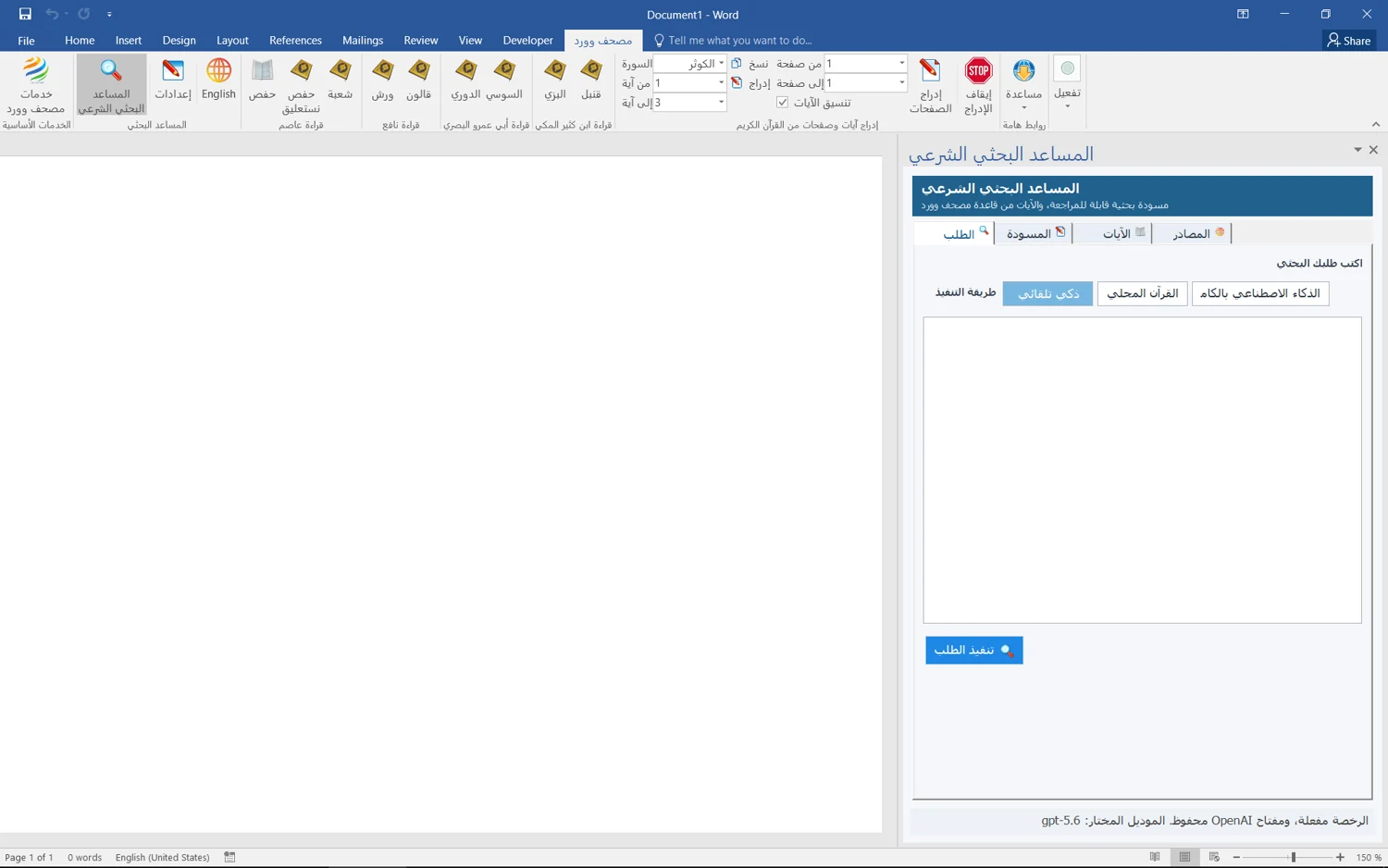
Depending on settings and entitlement, the assistant may use local Quran tools or connected model and search services. Some services require connectivity, configuration, a user-provided API key and separate usage costs. Do not assume all processing is local or all external service charges are included in the license.
Check verses and references
In the documented workflow, final Quran text is retrieved from the approved database before insertion. Still check whether the chosen verse is relevant and correctly cited. Open the references mentioned in the draft: fluent wording does not establish that an attribution or inference is accurate.
Move reviewed material into your document
Treat the output as an editable draft. Remove irrelevant passages, add context and evidence you have checked, then insert the useful material. This review turns a generic starting point into writing suited to your audience and research approach.
Drafts can contain errors. This is not comprehensive semantic search across all catalog books, and it is not a fatwa authority.
Comments and discussion
Comments are reviewed before publication. Please keep your comment relevant to the article.